WS2812 LED Strip Light With Remote
USER MANUAL
www.world-semi.com
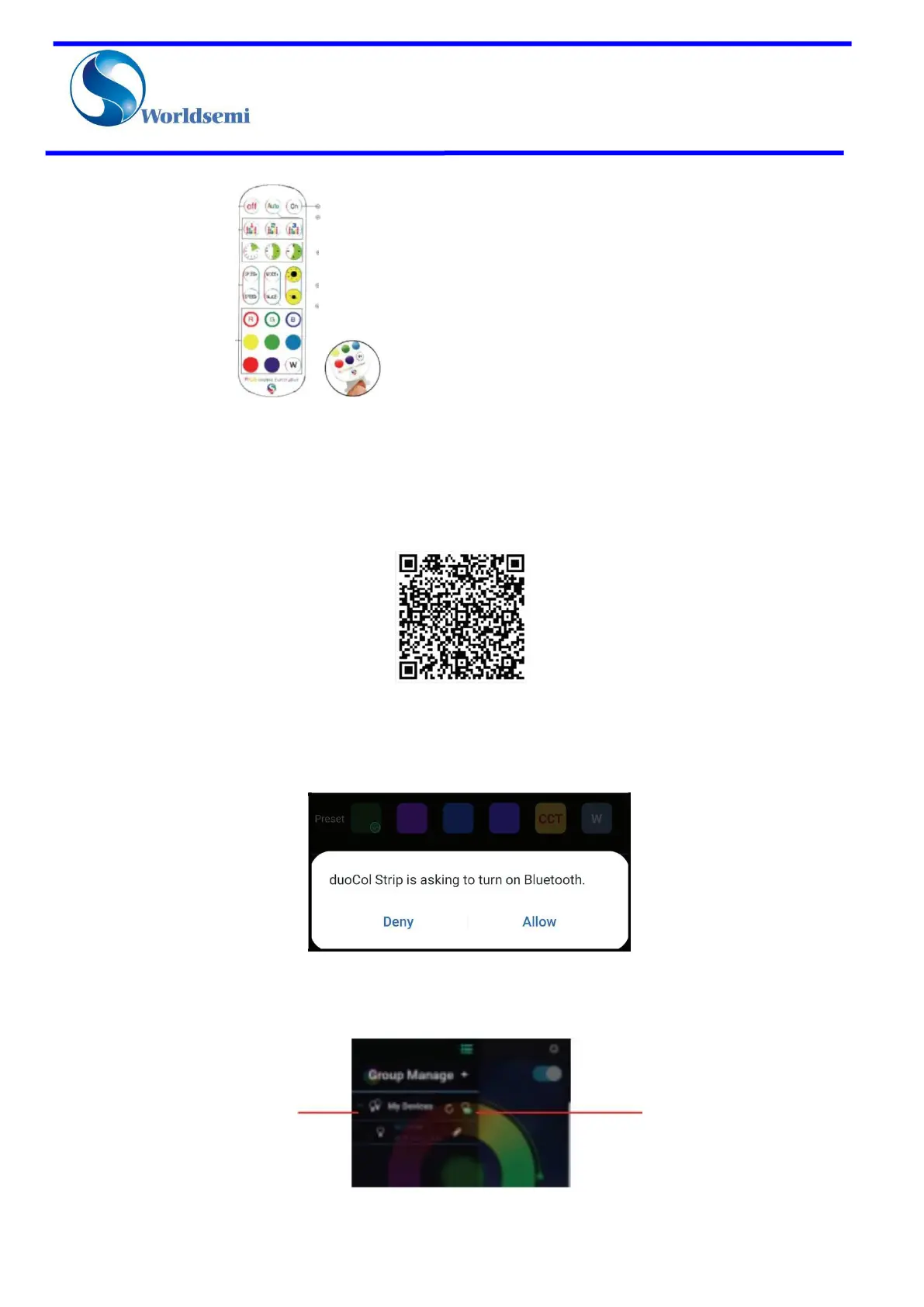
Remote Controller:
How to Control with APP:
1. IOS and Android system mobile phone can download the app by scanning the QR code. Open a browser or
other apps with the "SCAN QR Code" function and scan the following QR code to download the app.
2.1). Click the “DuoCol Strip” icon on the desktop to enter the application page.
2). After entering the application interface, if Bluetooth is not enabled, then theapplication will enable the
Bluetooth function of this device, please click "Allow".
3. Click top left icon to display the Bluetooth list.
Turn Off
Music Activation Mode
Timing Off Mode
Brightness
Dynamic Mode
Show status of
device connection



 To Next Page