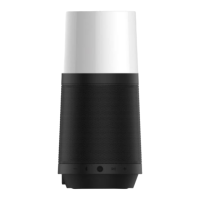
constant light in white for the slave one.
Now, the dual wireless stereo is paired successfully, connect to your Bluetooth player to
enjoy the awesome sound effect!
Touch and hold on the symbol for 3 secs on any one when dual wireless stereo was
paired to break.
When the symbol goes into slow flashing in red , you have to connect the wireless
speaker to the Multi-functional Base to charge, otherwise the speaker will be turned off
automatically, the symbol will be constant light in red in charging until battery was full,
the symbol will goes out when it was fully charged.
The wireless speaker will automatically enter the sleep state after 15 minutes when it is not
connected to any devices, press and hold on the button to reactive.
The wireless speaker will maximize the performance and get the best sound when it was
connected to the multi-functional base. It will automatically adjust the volume level for
best sound quality and playback time when using battery.
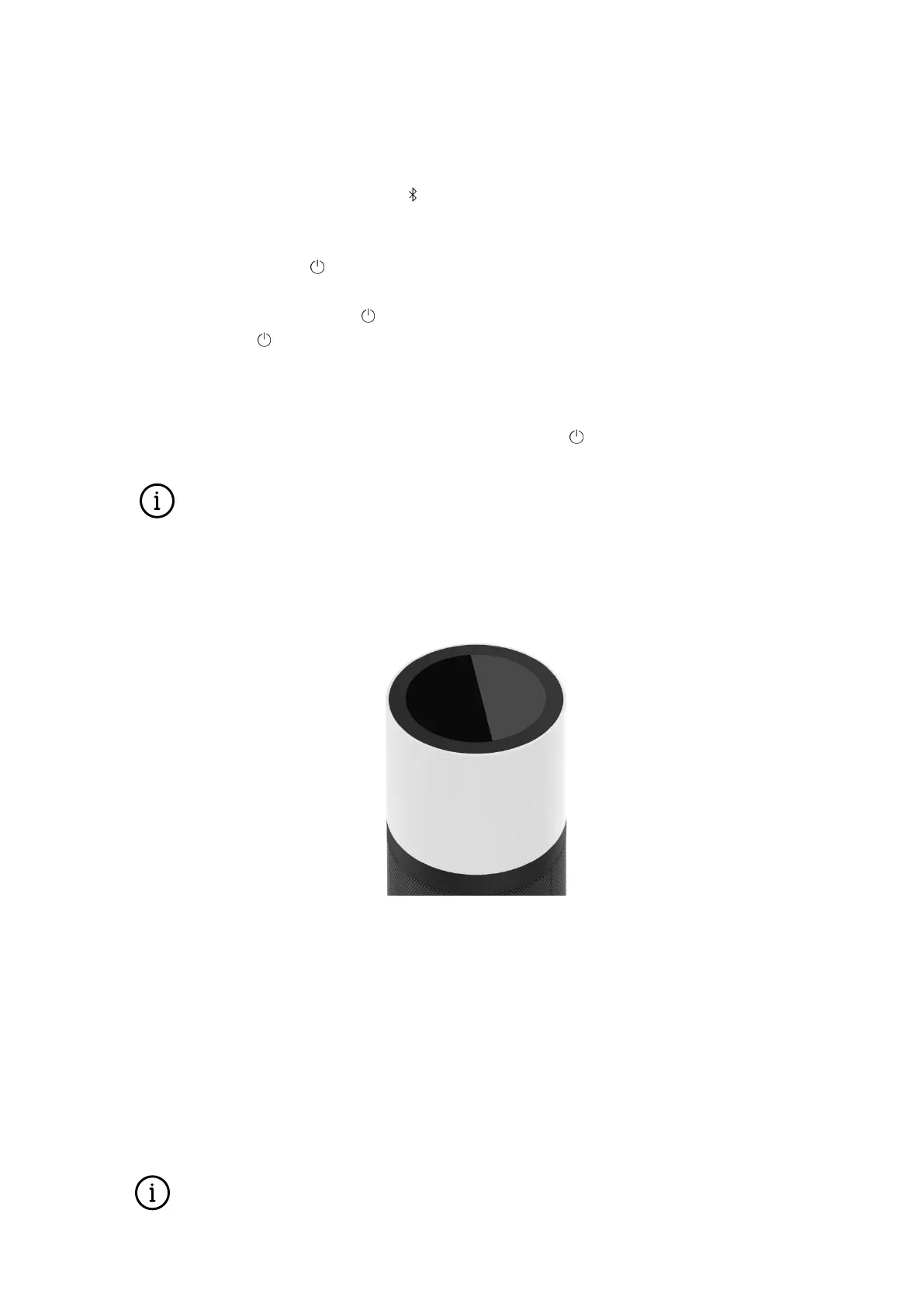
Ambient Light
The touch-controlled ambient light module adopts RGB LEDs, provides 16 million combinations
of colors, achieved through extensive research on relations between the ambiance, the user, and
the product in settings, offers extraordinary user experience.
Turn on: Touch any position of the top edge.
Turn off: Touch and hold any position of the top edge for 3 secs.
Switching color: double-touch any position of the top edge, the order is warm white, cool
white, red, orange, yellow, green, blue, purple.
Brightness adjustment: sliding the top edge, clockwise to increase, counterclockwise to
decrease.
NOTE: The wireless speaker cannot be used to power the ambient light with battery, the


 To Next Page
 Loading...