The entire front of the DTA needs to be visible from where the customer is using the
remote to ensure the remote receiver is not being blocked.
If the customer is using the IR Extender, verify it is visible from where the customer is
using the remote, and verify that the IR extender is securely connected to the DTA.
3. Verify that the batteries are inserted correctly.
4. Replace the batteries.
The batteries need to be replaced within 2 minutes of being removed to avoid losing
the programmed TV code.
5. Attempt to reprogram the remote for the customer’s TV (Go To: Programming the Remote).
If the TV is not included in the list, use the Auto Search function (Go To: Searching for
the Code).
6. Verify the following if the customer is using the IR Extender
The IR Extender should have a direct line of sight to the customer’s remote.
Check to ensure the IR Extender is securely plugged in. If the IR extender is only
partially plugged in, the DTA will not receive a signal from the remote.
Attempt to reseat the IR Extender at the DTA.
7. Try another DTA remote, if available, to determine if the issue is with the remote or the DTA.
8. If the remote is still not working, it will need to be replaced.
FAQs (Back to Top)
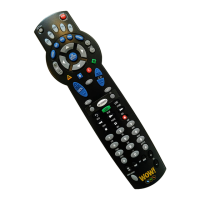
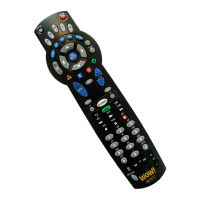
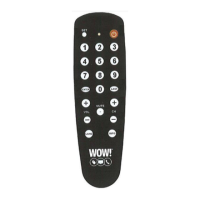
Q: The remote feels small and light. Is there a different remote?
A:This is the only remote control that can operate the DTA (digital transport adapter). WOW! has a
multitude of digital equipment that include features like the Interactive Program Guide and Video on
Demand.
Television Codes (Back to Top)
Common codes will be highlighted


 To Next Page