Contents / table des matières /
tabla de Contenidos
3
Thank you for purchasing the Lite Sprites™ Lite Wand and Prisma Sprite from WowWee™ ! This guide
will show you how to use them in the magical world of Lite-Topia.
Package contents
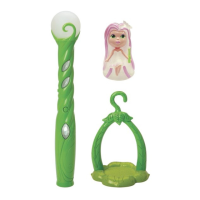
1 x Lite Wand, 1 x Prisma Sprite, 1 x Forest Pod stand, 1 x Forest Pod hook, 1 x User guide
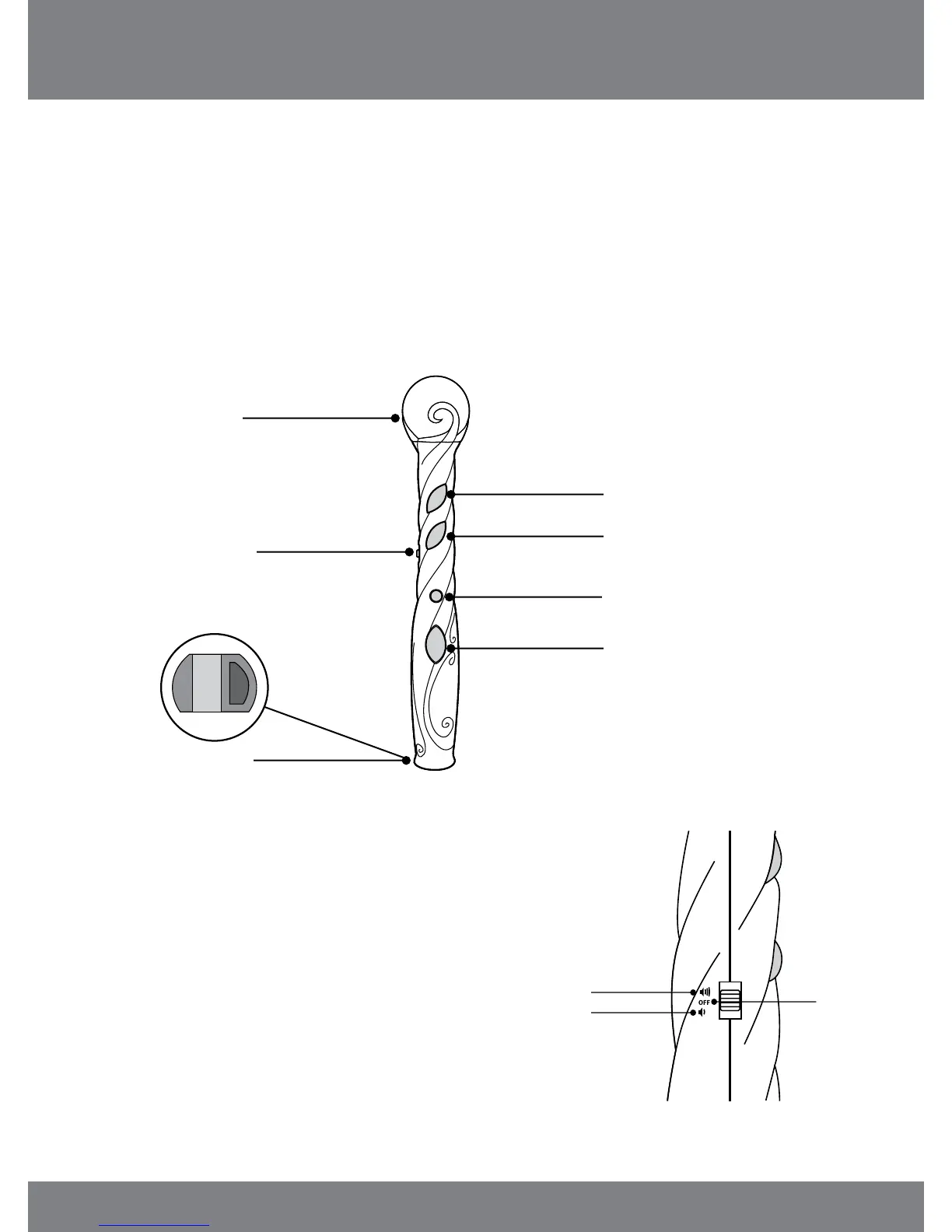
Lite Wand overview
Use the Lite Wand to collect and share color with Prisma, the other Lite Sprites*, other Lite Wands* and
all the Lite-Topia playsets*. You can also play color games and cast spells!
*
Sold separately
Orb
Color Display
Color Display
Magic button
Diamond button
Color Collector
(on bottom)
ON/OFF switch
and volume
control
getting started
Volume control
To start playing with the Lite Wand
and/or to adjust the volume, move
the power switch to one of the ON
positions:
1. Move the switch up from the OFF
position to make the volume loud.
2. Move the switch down from the OFF
position to make the volume soft.
ON/High volume
ON/Low volume
OFF













 To Next Page