Powering Paper Jamz
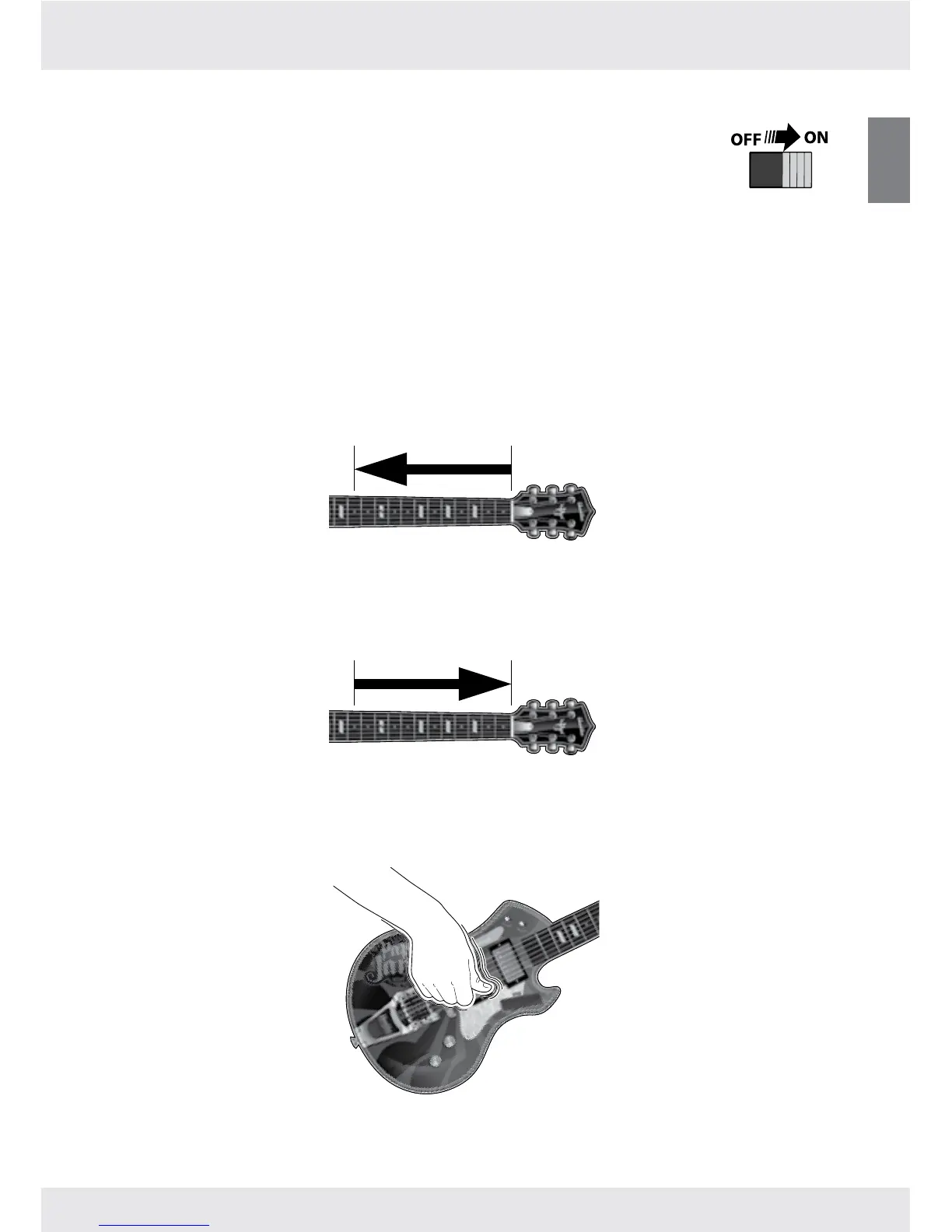
To start jamming with your Paper Jamz Pro guitar, move the power switch
to the ON position.
Now you’re ready to rock!
Sleep mode
If there is no activity for about 5 minutes, your guitar will go into Sleep mode. To wake it,
just turn it OFF for at least 2 seconds and then back ON.
Volume control
Riffs so hot that you need to turn it up? To raise the volume, touch and hold the Volume
button and then slide your ngers along the fretboard toward the pickups.
Jamming so hard that the neighbors can hear you? To lower the volume, touch and hold
the Volume button and then slide your ngers along the fretboard toward the guitar head.
Strumming
To strum, slide your thumb or ngers up and down the strings and pickups.



 To Next Page