Basic play in Song mode
Selecting a song
Two pre-installed songs get you started on the road to rock
stardom.
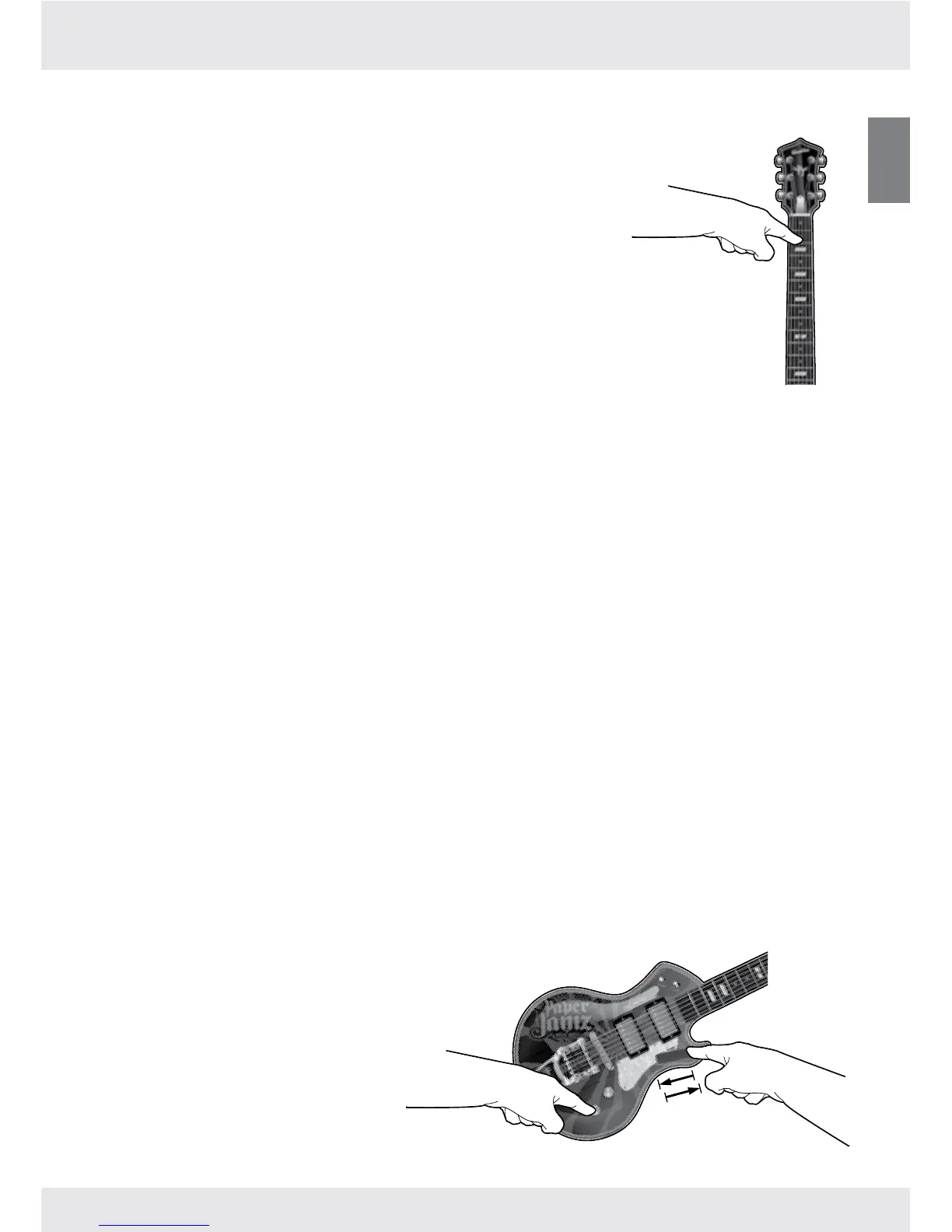
To choose a song, touch the Mode button and then touch one
of the rst 3 frets (Song 1, Song 2 or Song 3).
Until you add your own music to the guitar, touching the 1st
fret (Song 1) will play the rst pre-installed track and touching
the 2nd fret (Song 2) or 3rd fret (Song 3) will play the second
pre-installed track.
When a song slot is empty, touching its button will play another
loaded song when possible.
Stopping or changing a song
To stop a song and to choose another, touch the Mode button until the muted chord plays
and then touch one of the rst 3 frets (Song 1, Song 2 or Song 3).
To stop a song and to switch to Freestyle mode, touch the Mode button until the muted
chord plays and then touch either the 4th fret (Freestyle) or the palm mute.
Adding new songs
You can store up to three songs on your Paper Jamz Pro guitar depending on song length.
Using the free Paper Jamz Pro app, you can add songs from your own music library. Songs that
have been “Certied Compatible” take advantage of enhanced guitar features (see website for
more information).
Visit www.paperjamzpro.com to download the app and learn more about how to use it to
expand your set list.
Note: Songs from your own collection only work in Rhythm so you can play your favorite
music how you want it to sound.
Music volume control
In Song mode, you can also change the
volume of the music independently of
the guitar chords and notes. Touch and
hold the Volume button and then slide
your nger on the Ripstrip. Moving your
nger toward the guitar head lowers
the volume and moving it toward the
palm mute raises the volume.


 To Next Page