>> woxter.es
9
Connect the USB cable to the USB port of your
computer or device. Your computer will automati-
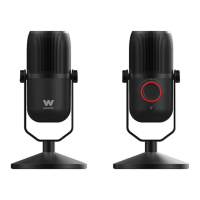
cally recognize the microphone. The POWER button
on your microphone should light up RED, it means
that it is connected.
Then make your settings correctly. Follow these
steps:
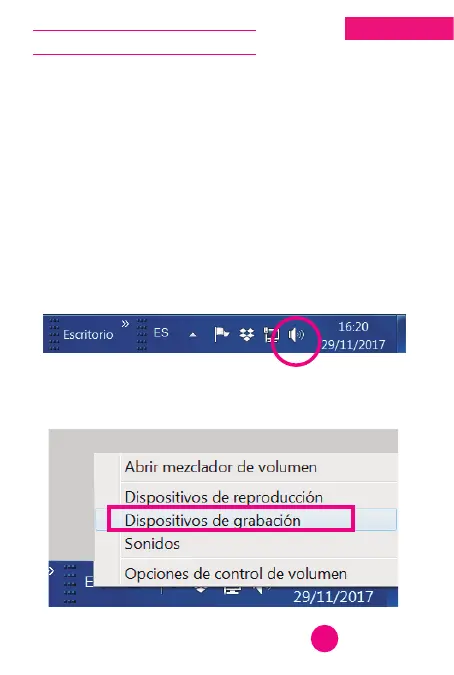
1. A drawing of a loudspeaker will appear in the
lower right corner of your computer screen, click
with the right button of your mouse on this icon:
2. The following menu will be displayed. Click on
RECORDING DEVICES:
English
CONNECTION ON PC



 To Next Page