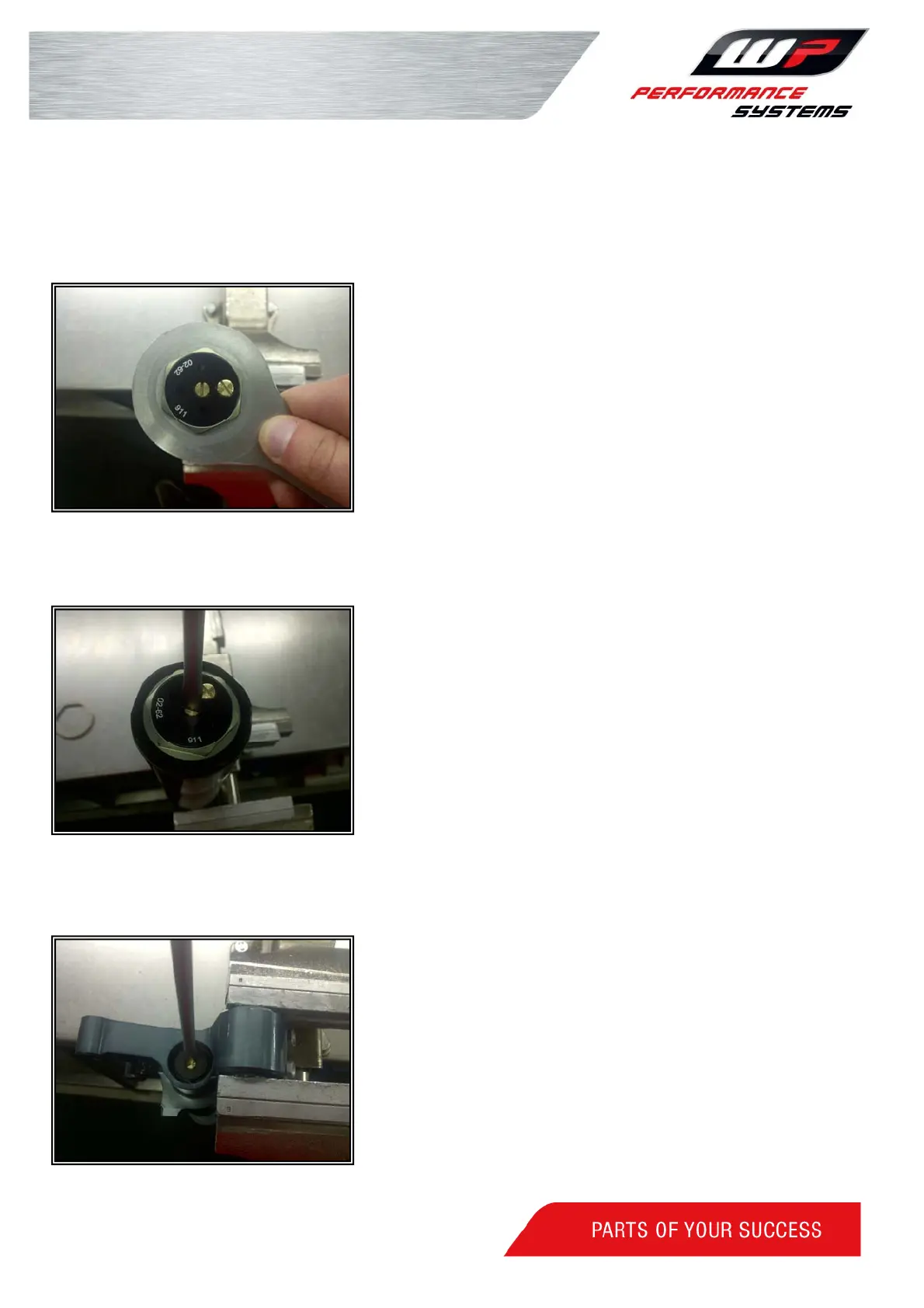
Adjusting the pre-load:
Turn the adjuster gently counter clockwise as far as
possible, then look in the setting list for the setting of your
specific model and add the given amount of pre-load.
1 turn (=2 clicks)=1mm pre-load
Turning it clockwise will add pre-load and turning it counter
clockwise will decrease the pre-load.
Use WP tool T14.028 to adjust preload
.
Adjusting the compression:
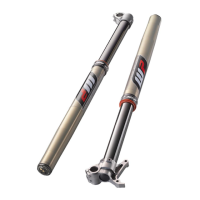
The compression adjustment screw is the screw in the
center on top of the fork. Turn the compression adjuster
screw gently clockwise to close it, then look in the setting list
for the setting of your specific model and open the adjuster
with the given amount of clicks or turns.
Use a screwdriver to adjust the compression damping, turn
it clockwise to add damping or turn it counter clockwise to
decrease damping.
Adjusting the rebound:
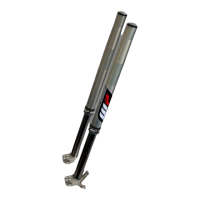
The rebound adjustment is positioned at the bottom of the
axle clamp
Turn the rebound adjuster gently clockwise to close it, then
look in the setting list for the setting of your specific model.
Use a screwdriver to adjust the rebound damping.
Turn clockwise to add damping and counter clockwise to
decrease the damping.


 To Next Page