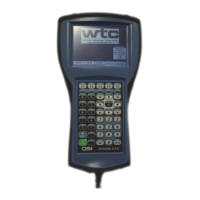
Need help?
Do you have a question about the WTC DEP-100S and is the answer not in the manual?
Details copyright ownership and usage restrictions for WTC software.
Lists patents held by WTC covering their products.
Mentions proprietary networks and components used by WTC.
Provides phone, email, and web contacts for WTC technical support.
Outlines WTC's product warranty period and limitations.
Explains safety symbols (Danger, Warning, Caution) and their meanings.
Covers all keys, including mode, cursor, numeric, alpha, and soft keys.
Details display structure, cursor movement, and value changing.
Explains system status indicators and network communication protocols.
Describes how the DEP-100S polls devices and displays status.
How to add, delete, or change functions and download schedules.
Details linear and SureWeld stepper profiles and settings.
Explains how to customize operational parameters for weld controls.
Covers welder ID, data transfer, and network address configuration.
Displays key weld parameters and results from the last weld.
Allows temporary adjustment of heat and cycle times for testing.
Enables or disables welding operations for a selected device.
Shows stepper status and I/O signal states for selected devices.
Reports faults, alerts, and network communication status.
Displays software revision levels and hardware information.

 To Next Page
 General