User Manual
12
Selecting Span
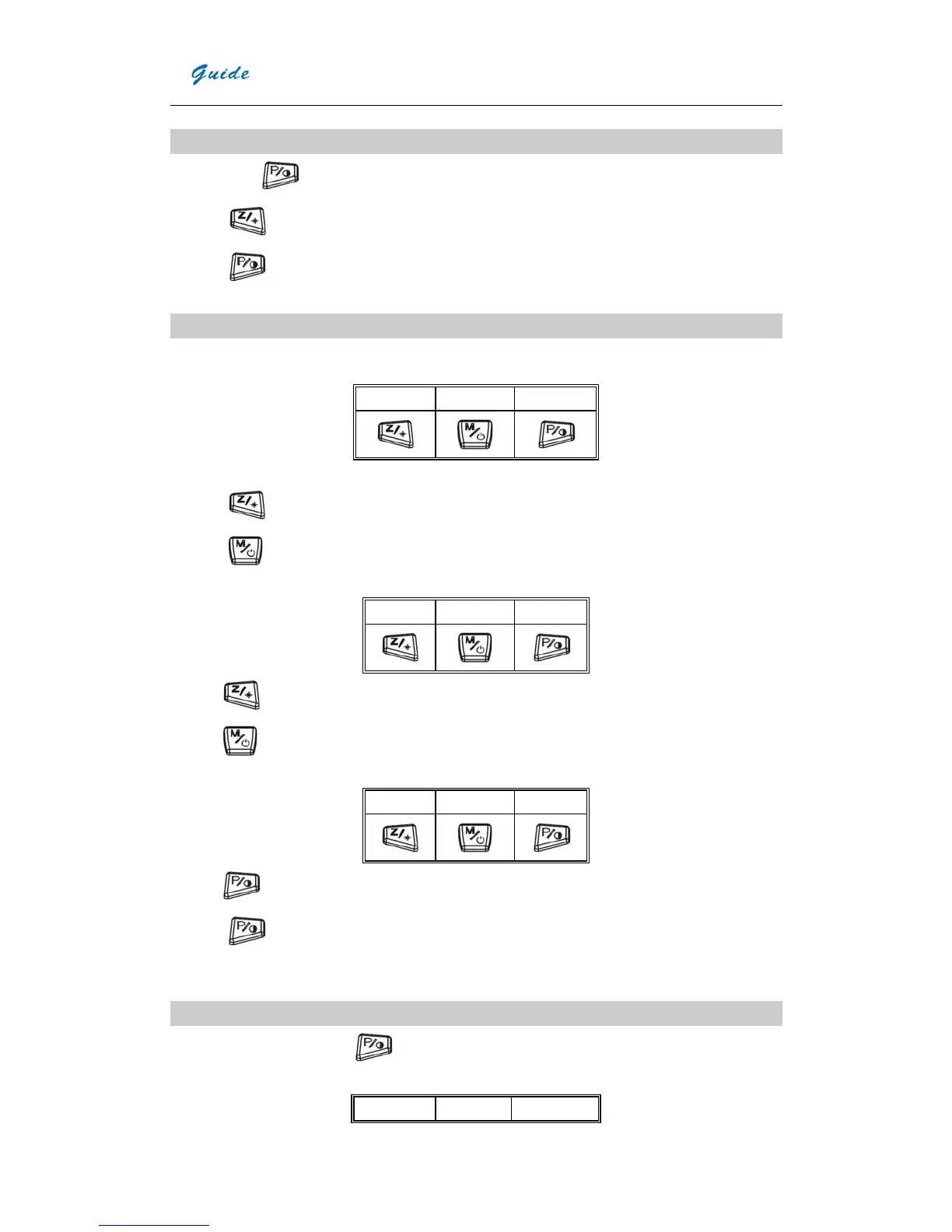
y Keep button
pressed for 3 seconds to enter span selecting mode.
y Press
to select AutoSpan .
y Press to select ManualSpan
Image frozen and save
On the non-menu mode, press T to freeze the image, the following info will be displayed on the screen:
Save Voice Visual
Press T again to exit frozen mode and return to the real-time IR mode, or
y Press
to save the image and return to live thermal image
y Press
to add the voice annotation, the following info will be displayed on the screen
:
xx s
Record Stop Play
Press to start recording voice annotation
;
Press
to stop recording voice annotation, the following info will be displayed on the screen:
xx S
Record Save Play
Press to play the voice annotation
y Press
to enter visual light mode, press again to return IR mode.
y Press T to return to real-time IR mode.
Setting Contrast & Brightness
On the non-menu mode, keep the
pressed for 3 seconds to enter the Contrast and Brightness setting. The
following info will be displayed on the screen:
AutoSpan 1 AutoSpan2 ManualSpan


 To Next Page