User Manual
14
About
↑ ↓
OK
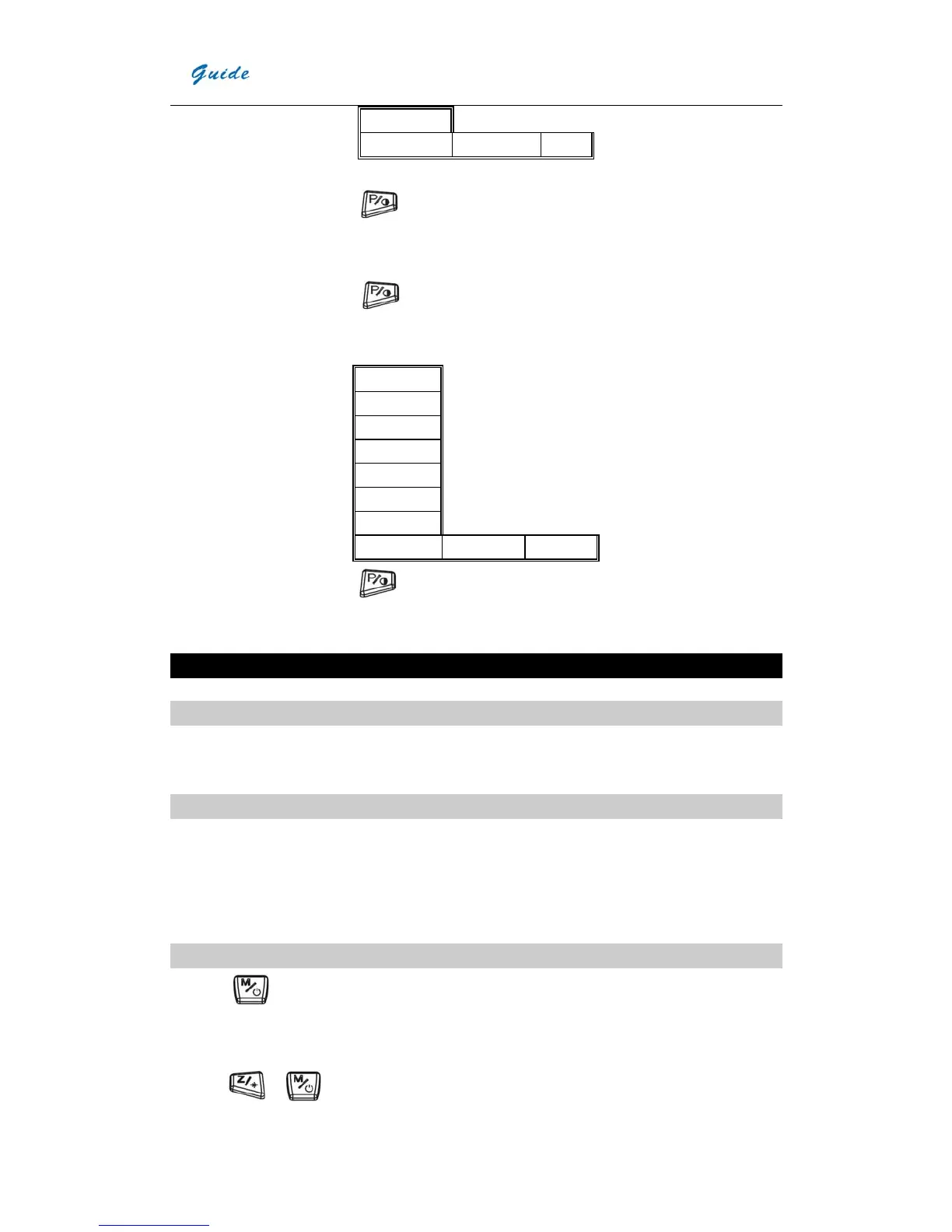
On this sub-menu mode, press
to enter next sub-menu, press T to exit main-menu operation and return
real-time IR mode.
y On the main menu mode, press
to enter system setting sub-menu:
Default
Lang
Tunit
TimeDate
Lens
Pal/Ntsc
Sleep
↑ ↓ Ok
On the sub-menu mode, press to confirm selecting the highlighted option and enter the next sub-menu,
press T to exit main-menu operation and return real-time IR mode.
Function operation
Thermal camera focusing
Manual focus:
Aim at the target and adjust the lens until the image on the LCD is as clear as possible
Image capturing and saving
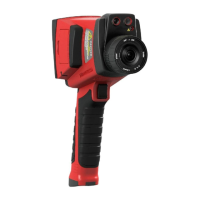
y Aim the lens at the target of interest and adjust the focus manually to get a clear image on the LCD, and then pull
the trigger button to capture an image. The image will be frozen and bring up the image capture menu.
y Press “Save” to save the image. If the SD card is in the camera, the image data will be acquiescently saved in the
SD card.
Selecting the Palette
y Press
to display the main menu.
y Press the “Parameter”
y Select “Palette” by pressing “↑” and “↓”, and “OK” to confirm.
y Press
or to shift among different palettes


 To Next Page