User Manual
21
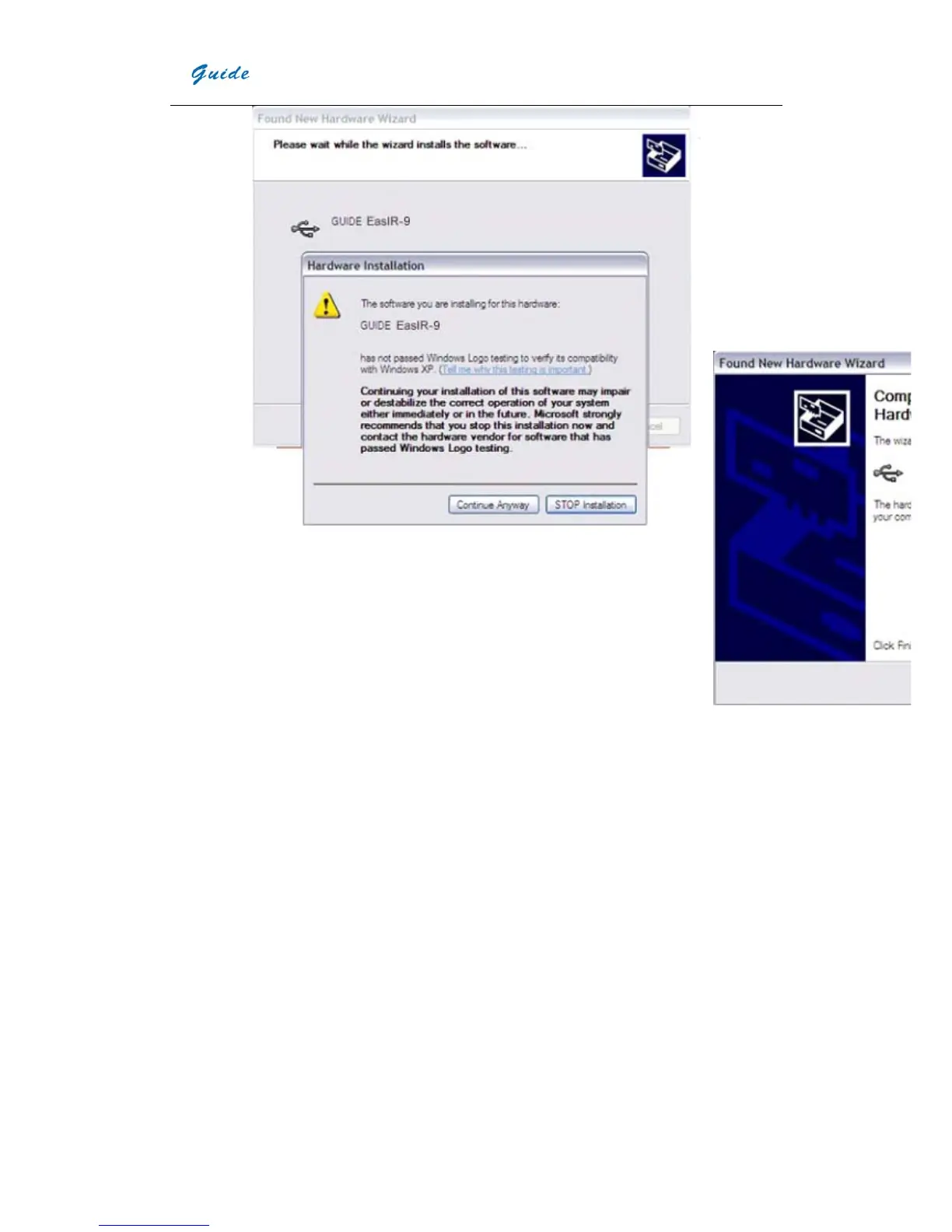
y Installati
on
continue
s and
finishes
quickly.
Click
button
Finish.
y Go to Device Manager to check and confirm whether the driver has been successfully installed. If there is “GUIDE
EASIR-9” listed under Universal Serial Bus Controller, it indicates the driver has been properly installed and you
can transfer data from the camera to PC now.
y The procedures to go to Device Manager is as follows: Clicking My Computer-> Clicking the right mouse and
choosing Property-> Choosing menu Hardware in the System Property dialog box-> Choosing option Device
Manager under the menu Hardware.


 To Next Page