4) Do not overstretch the USB plug for keeping waterproof and dustproof.
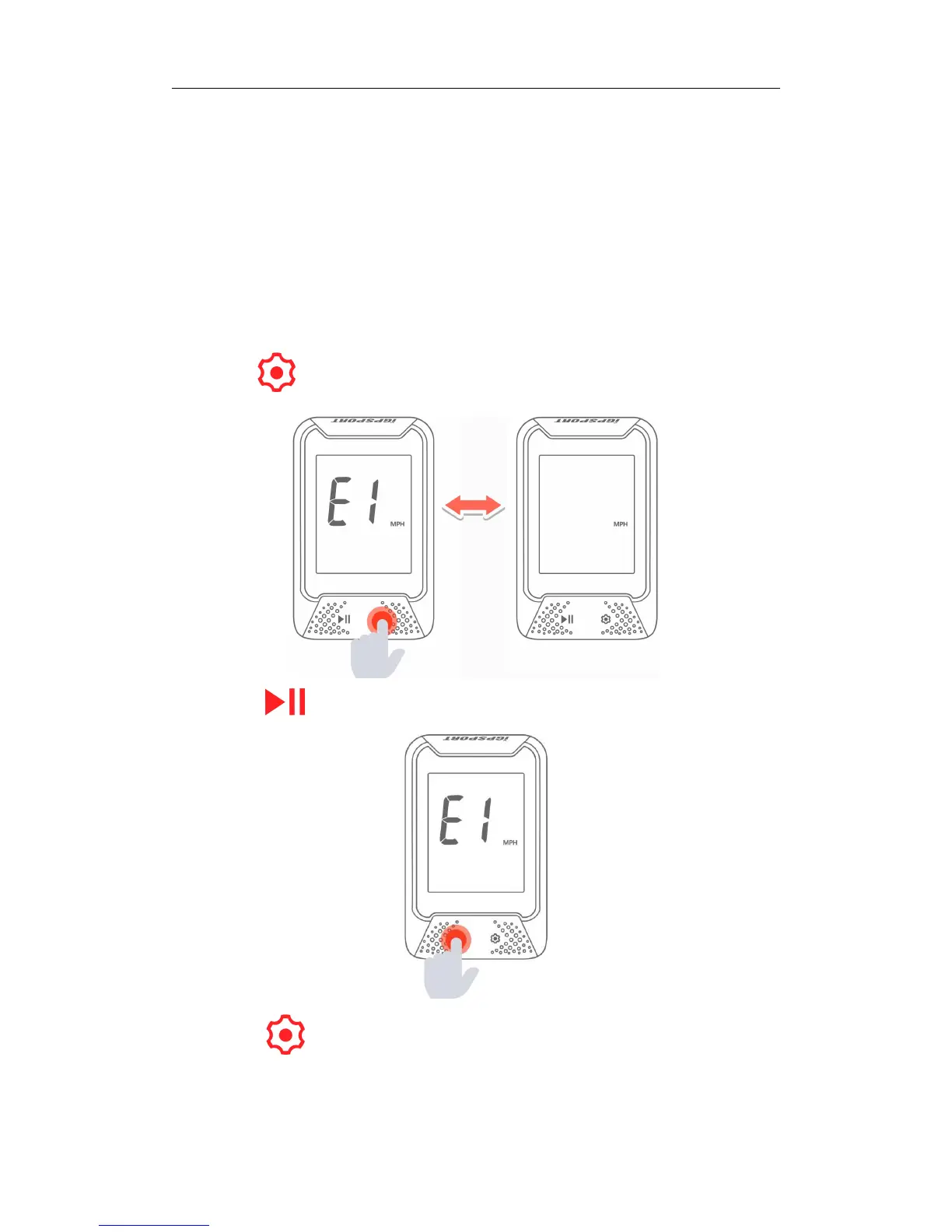
8. SETTING METRIC AND IMPERIAL UNITS (SETTING MODE E1)
Default unit: metric (kilometer)
Steps:
1) Hold more than 2 seconds to enter the setting mode.
2) Select to enter E1 mode when E1 is flashing.
3) Select to switch metric (kilometer) and imperial (mile) unit.



 To Next Page