Seite 19 von 100
- When the curve is getting a straight line confirm again the second value with the zapper
or with <ENTER>
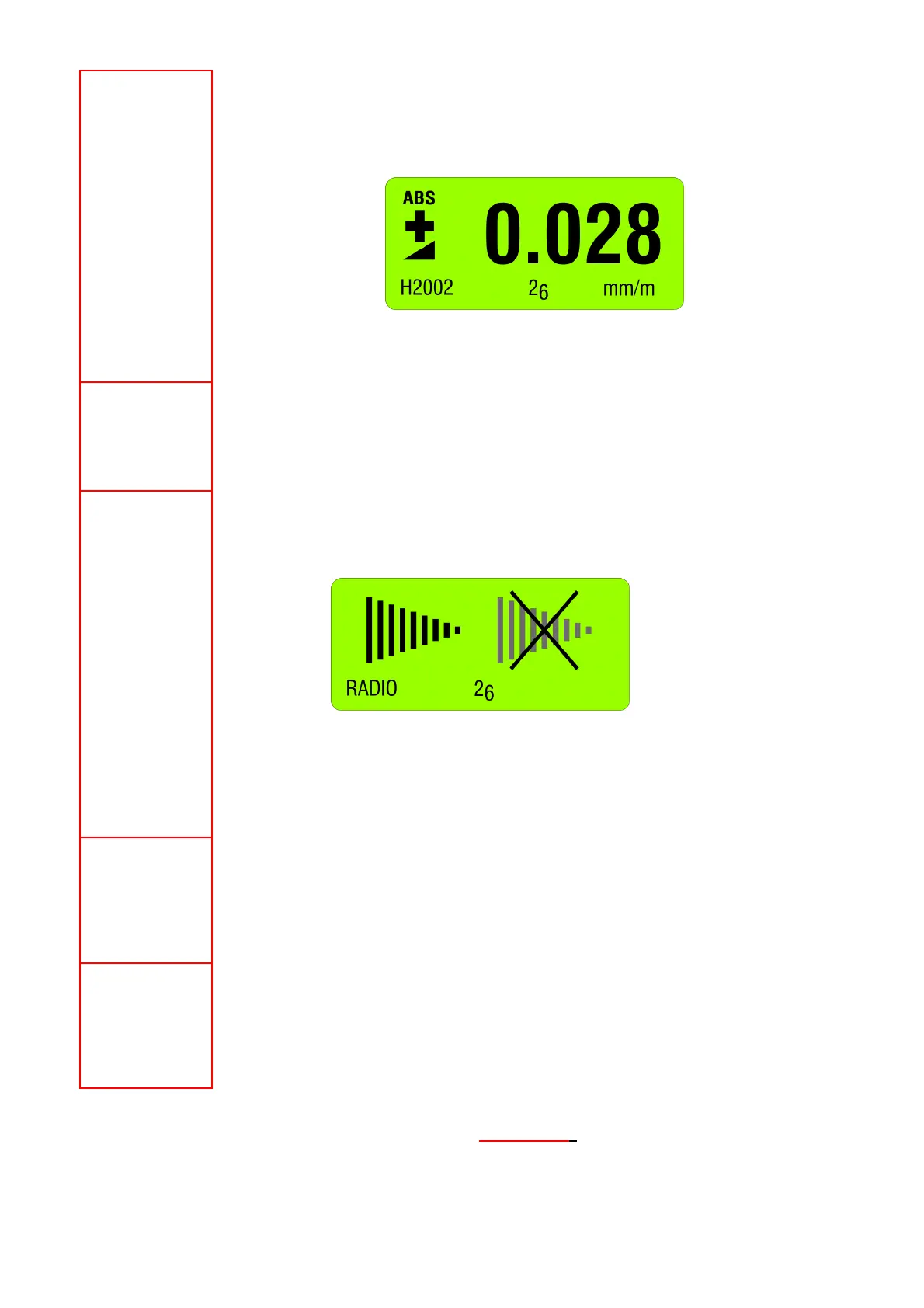
After the second reading the following display is seen:
With this the reversal measurement is finished and the instrument shows the true absolute
value.
Setting a filter type
Using the key <ON/MODE> select the menu [FILTER] and confirm with <ENTER>. With the
key <ZERO/SELECT ±> choose the filter type and confirm with <ENTER>.
Switch radio mode ON or OFF (using cable transmission)
Use the key <ON/MODE> select the menu [RADIO] and confirm with <ENTER>.
For definitely switching On or Off confirm again with <ENTER>. After switching the radio OFF
the red LED on the handle is on.
Returning to the radio mode follow the same procedure. When the radio mode is on, the green
LED on the handle is on.
Combine a group of instruments to a measurement group
See detailed description in chapter 2.4:
Combine a group of instruments to a measurement group using the function "JOIN" In radio
transmission mode
Unhinge an instrument in the radio mode from a group
See detailed description in chapter 2.5
Unhinge an instrument in the radio mode from a group by using the function "LEAVE"
FOR ADDITIONAL DETAILS PLEASE CONSULT THE
FLOW CHARTS CHAPTER "L / FLOWCHARTS" PAGES 86.....97



 To Next Page