Page 29 of 31 Pages
6.3. Spare parts
The following spares are available:
- Batteries, rechargeable batteries
- Stand with connection to external power supply
- Cables
6.4. Changing of sensor address
Only the one sensor which address must be changed is allowed to be connected either on port A or B.
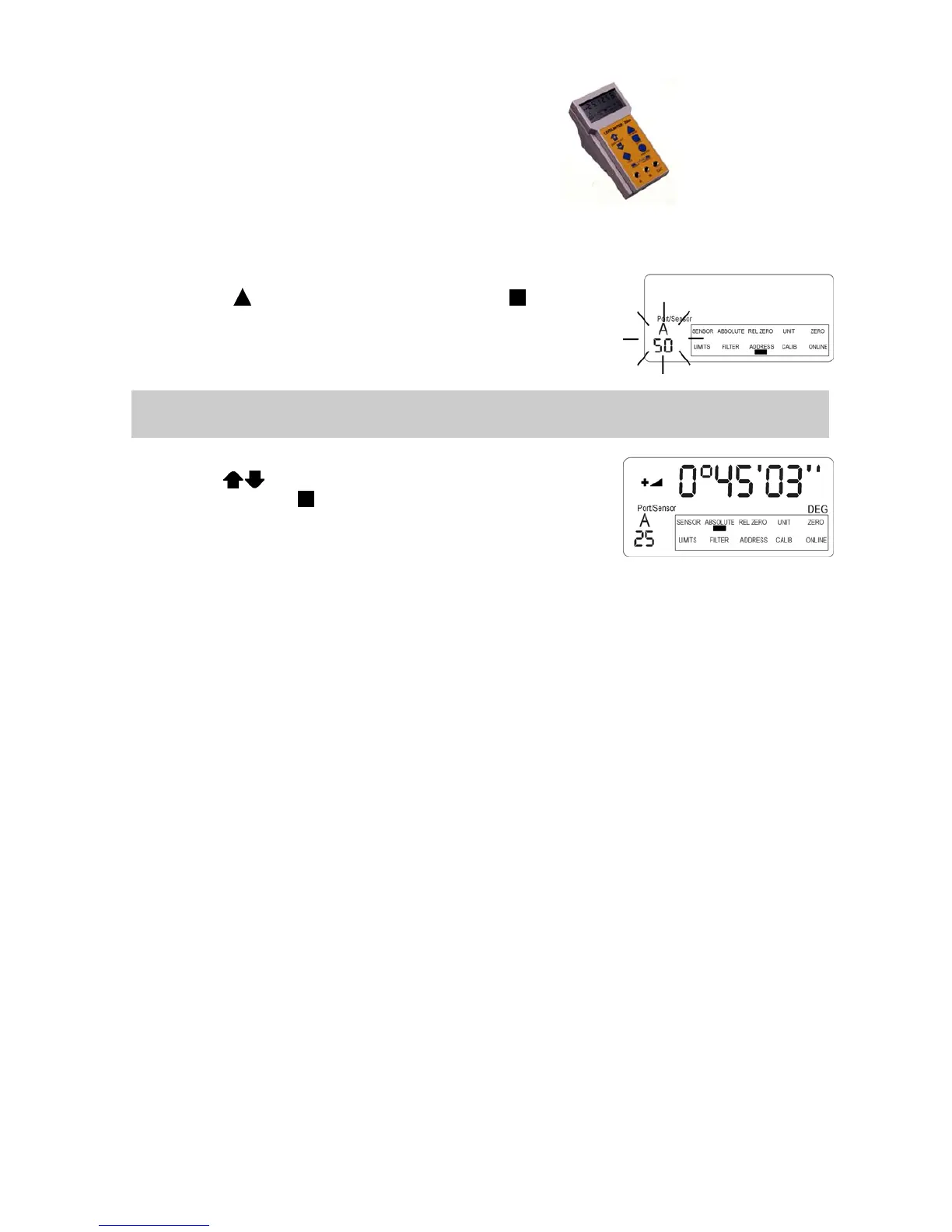
Move the position indicator to the position ADDRESS by repeatedly
pressing the key
ON/MODE and confirm the setting with ENTER. If
only one sensor is connected as described above the respective port and
address number is displayed flashing.
Remarks: If more than one sensor is connected, the error message ERROR 5 is displayed. (More than
one sensor found)
Using the keys
ZERO/SELECT the new address can be entered
and confirmed by pressing
ENTER. If the procedure was successful
the measurement starts with the newly given address.
Addresses of Zerotronic sensors may be chosen between no. 1 and no. 254
Addresses of Measuring instruments (Minilevel NT, Leveltronic NT) may only be chosen
between no. 1 and no. 32
The address no 255 is reserved for service purposes and should not be used.
The following error messages are possible:
ERROR 4
No sensor address found
ERROR 5
More than one sensor found
ERROR 6
Changing of sensor address was not successful



 To Next Page