4.7. Menu Operation
(1) In stop status, press Mode Key to enter Menu selection
which contains 3 functions:
(i) Equalizer Settings (EQ)
(ii) Playback Settings (REP)
(iii) File Deletion (DEL)
To select, slide Switch Controller up and down and the
function will change cyclically as follows:
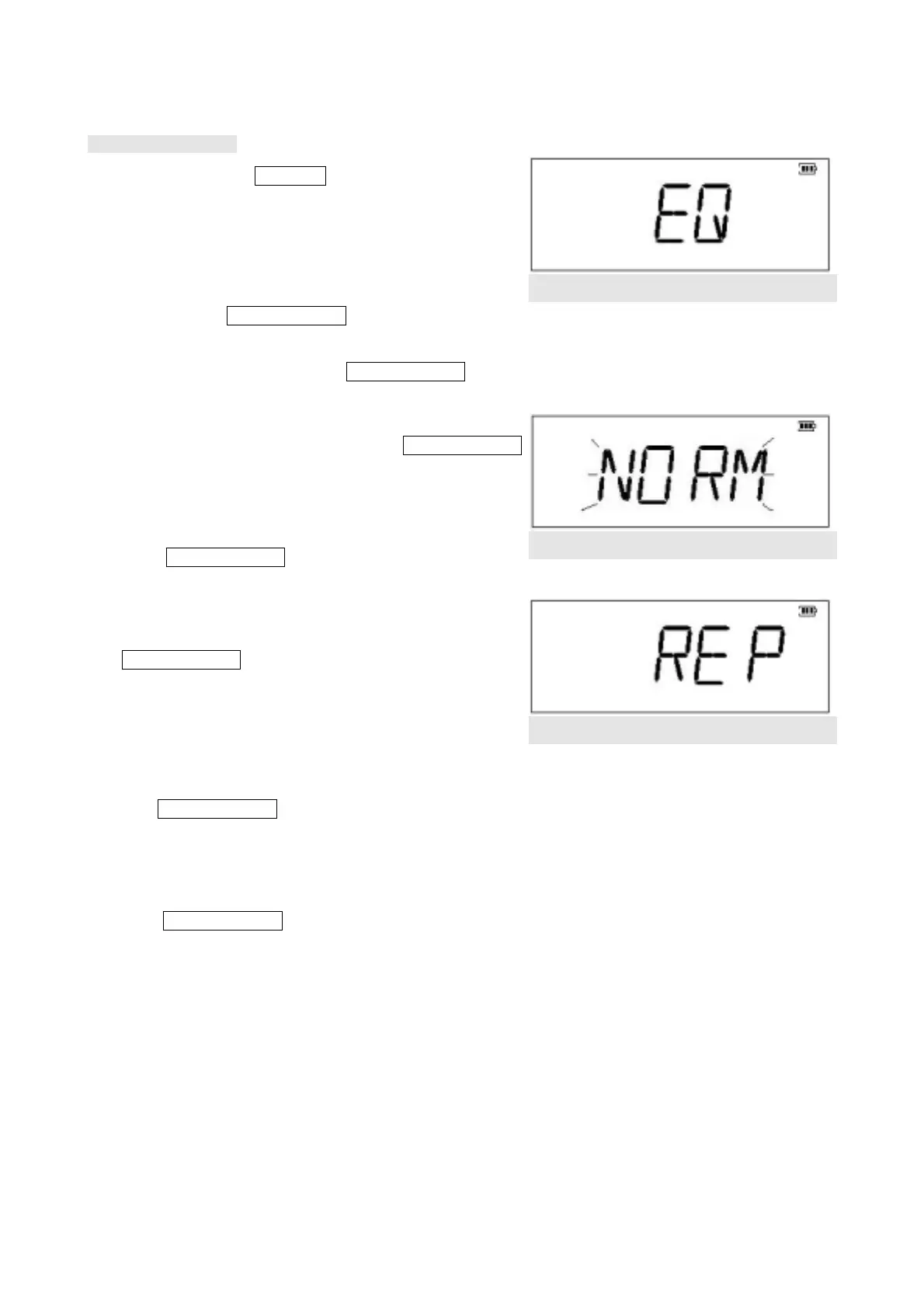
EQ Æ REP Æ DEL ÆEQ. Press Switch Controller again to
confirm the selection. (Figure 4.7.1)
Figure 4.7.1
(2) EQ Menu: Under Equalizer Settings, slide Switch Controller
to select among 5 settings with the following cycle:
Normal Æ POP Æ JAZZÆCLASSICALÆROCKÆNormal
Press Switch Controller to confirm the setting. (Figure
4.7.2)
Figure 4.7.2
(3) REP Menu(Figure 4.7.3): Under playback settings, slide
Switch Controller to select among the following 3 settings:
(i) Repeat ALL: repeat all the selections
(ii) Repeat 1:repeat a single selection
(iii) NO Repeat: to cancel repeat
Slide Switch Controller to select among 3 settings with the
following cycle:
Repeat ALL Æ Repeat 1 Æ NO Repeat Æ Repeat ALL
Press Switch Controller again to confirm the setting.
(Figure 4.7.4)
Figure 4.7.3
10



 To Next Page