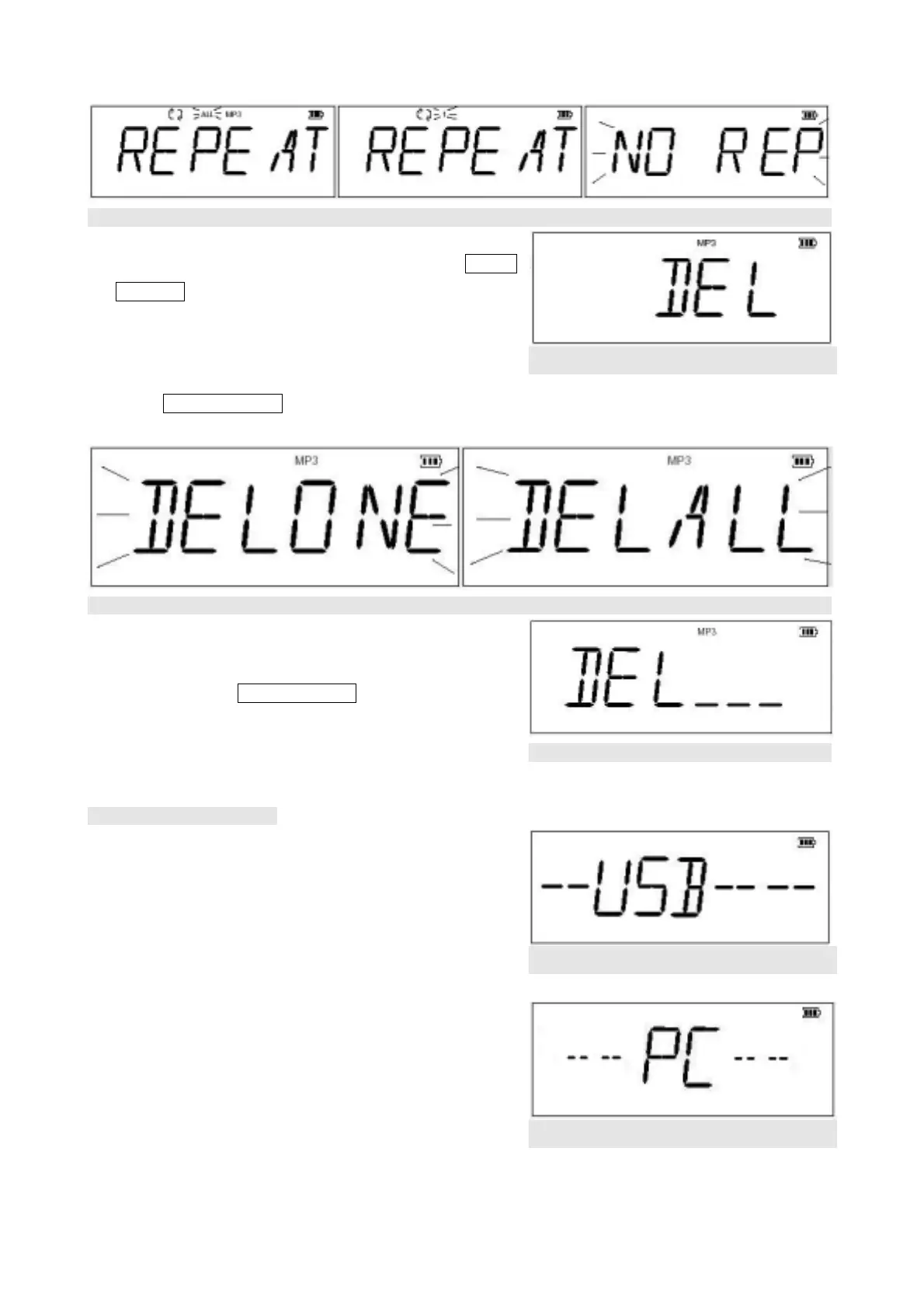
Figure 4.7.4
(4) DEL Menu(Figure 4.7.5): Under file deletion, slide Switch
Controller to select among the deletion of a single file or all
files with the following cycle:
DEL ONEÆ DEL ALLÆ DEL ONE
Press Switch Controller again to confirm the setting.
(Figure 4.7.6)
Figure 4.7.5
Figure 4.7.6
(5) To delete single file: Choose the file to be delete then select
DEL Mode, select DEL ONE and LCD will display “DEL___”
(Figure 4.7.7). Press Switch Controller to confirm deletion.
Figure 4.7.7
4.8. Connect to Computer
(1) Use the USB cable to connect to PC’s USB port, and the
display will appear “--USB----”.
(3) During USB operations (including connection with PC, file
copy / delete, Flash Memory format), the LED will blink
and ”--USB----” will appear in the display. (Figure 4.8.1)
Figure 4.8.1
(4) Once the connection is completed, LED will light up,
and”---PC--” will appear in the display. You will see a
“Removable Disk” in My Computer. (Figure 4.8.2)
Figure 4.8.2
11



 To Next Page