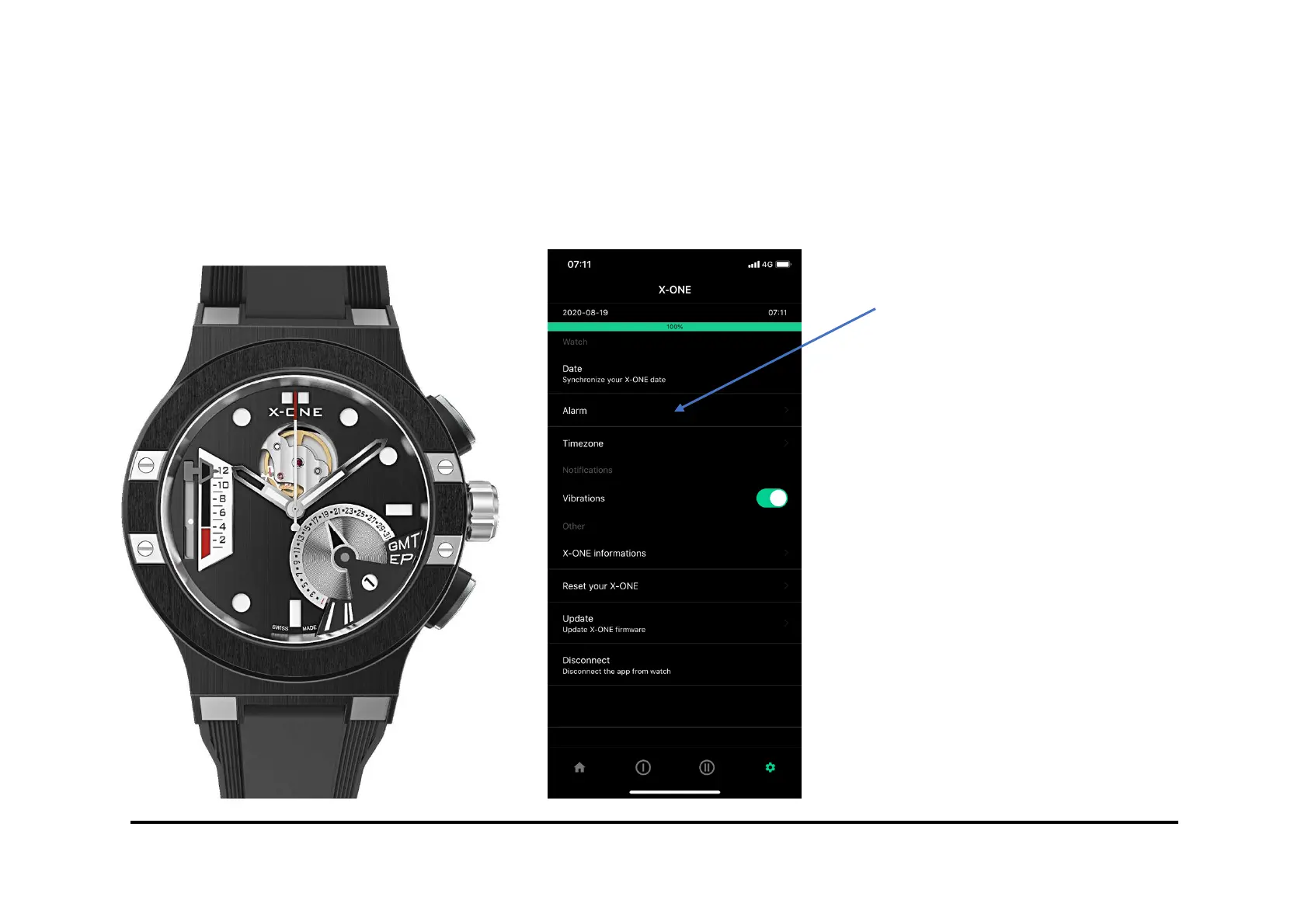
Alarm setting
To set up an alarm, go to the
”SETTINGS" and "ALARM" on
the X-ONE application.
To add a new alarm, click on
"NEW ALARM".
Choose the day and time of the
alarm and click on "SAVE". Your
alarm is now programmed.
To modify an alarm, click on it
and choose the option
"MODIFY" or "DELETE"
xone.watch



 To Next Page