Need help?
Do you have a question about the X10 SUPERREMOTE UR19A and is the answer not in the manual?
Important safety advice for using the SuperRemote and connected devices.
Information regarding FCC compliance and potential radio interference.
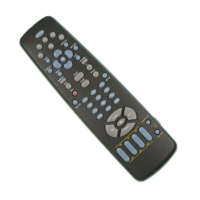
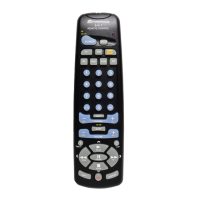
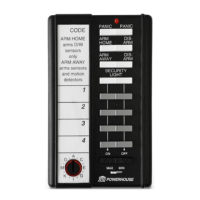
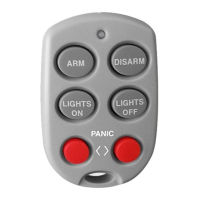
Overview of the SuperRemote's capabilities and benefits for home automation.
Explanation of the two essential device types for controlling your home.
How to set unique addresses for modules to ensure correct command execution.
Step-by-step guide for installing the X-10 Transceiver Module.
Instructions for connecting and using the X-10 Lamp Module.
Initial setup for the 6-in-1 SuperRemote, including battery installation.
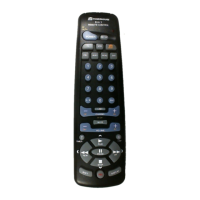
Detailed explanation of each button's function on the SuperRemote.
Guide on programming the remote to control TVs, VCRs, and other audio-visual devices.
How to configure the AUX button for a second TV, VCR, cable box, or satellite receiver.
Procedure to find device codes when they are not listed in the manual.
How to automatically turn off devices after a set time using the remote.
Instructions for turning X-10 modules on/off and controlling lamps.
Setting the X-10 sleep timer and changing the house code for modules.
Information on additional X-10 compatible modules to enhance home automation.
Guide to setting up the remote for IR Mini Controllers.
Solutions for when X-10 modules do not respond to the remote.
How to fix issues where the remote doesn't control A/V equipment.
Information on the product's warranty coverage and service procedures.
 General
| Type | Universal Remote Control |
|---|---|
| Brand | X10 |
| Model | UR19A |
| Category | Remote Control |
| Number of Devices Controlled | 4 |
| Power Source | Battery |
| Features | macro function |
| Frequency | Infrared |
| Battery Type | 2 x AAA |

 To Next Page