25
Channel selection
i
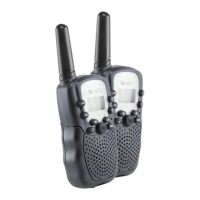
In order to communicate with each other, the walkie
talkies must be set to the same channel.
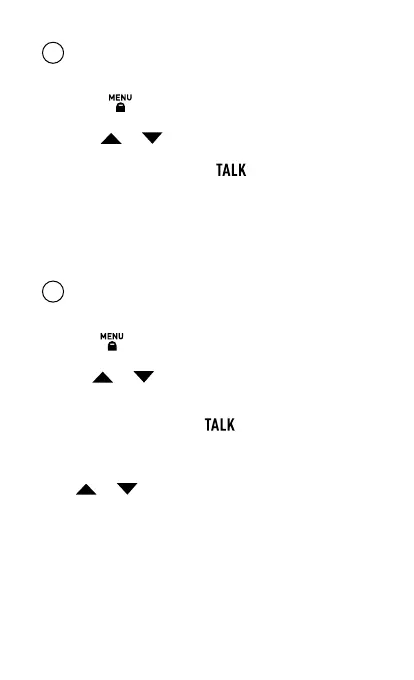
» Press the button briefly.
» The set channel (the large digit e.g. 1) flashes.
» Use the or buttons to set the desired channel.
There are 8 channels available.
» To save the setting, press the button. Alternatively, you
can wait a moment until the number stops flashing. A beep
will sound and the setting has been saved.
This must be repeated for each walkie talkie.
Set subchannel
i
To be able to communicate with each other, the walkie
talkies must be set to the same subchannel.
Press the button twice.
The set subchannel (the small digit e.g. 01) flashes.
Use the or buttons to set the desired channel. There
are 99 channels available. If no subchannel is desired, select
0F.
To save the setting, press the button. Alternatively, you
can wait a moment until the number stops flashing. A beep will
sound and the setting has been saved.
If the or button is held down, the channels will run
rapidly forward or backward. This must be repeated for each
walkie talkie.


 To Next Page