28
Receiving a message
Once the walkie talkies are turned on and connected to the
correct channels, you do not need to press a button to receive
a message.
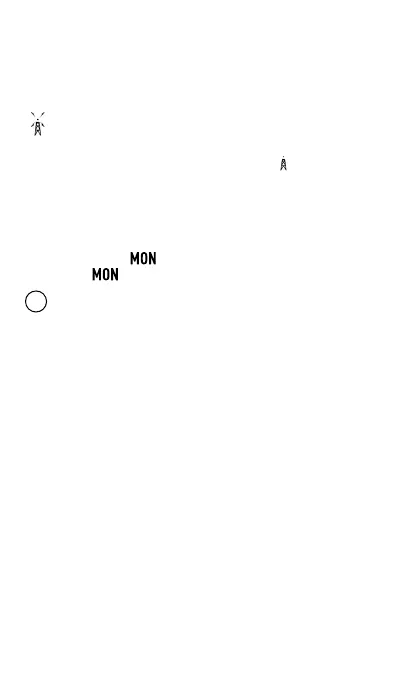
As soon as a message is received, the reception symbol is
shown on the display.
When the other party‘s message ends, the is displayed.
You will also hear a beep at the end.
Monitor function (search for weak signals)
Press and hold the button to use the monitor function.
Release the button to stop the function.
i
While the function is activated, the CTCSS system is not
active.
The monitor function allows you to search for weak signals
in the set channel. This can be useful in case of bad reception
conditions (e.g. interference from a thunderstorm, power lines
or similar in the immediate vicinity, etc.).


 To Next Page