Need help?
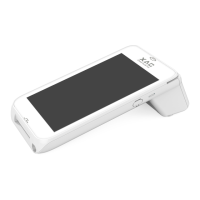
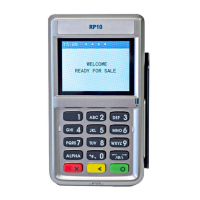
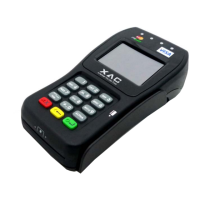
Do you have a question about the XAC XPED-8006L2-3CR and is the answer not in the manual?
Explains powering the device through the RJ45 Ethernet port connection.
Details how to supply power to the device using a Micro USB cable.
Describes the 2-in-1 USB 2.0 plug for PC connection and power supply.
Details the 2-in-1 RS232 plug for serial communication and power.
Instructions for using the magnetic stripe card reader slot.
Instructions for inserting cards into the smart card reader slot.
 General
| Brand | XAC |
|---|---|
| Model | XPED-8006L2-3CR |
| Category | Payment Terminal |
| Language | English |

 To Next Page