- 17 -
4. D5KP Installer Setup
The D5KP Installer Setup is defined into two categories, “User Parameters” and “Setup Parameters”.
User Parameters allows the end-user to change the keypad functionality to his or her needs. Setup
Parameters are for the installer to custom create an installation based on the end-users requirements.
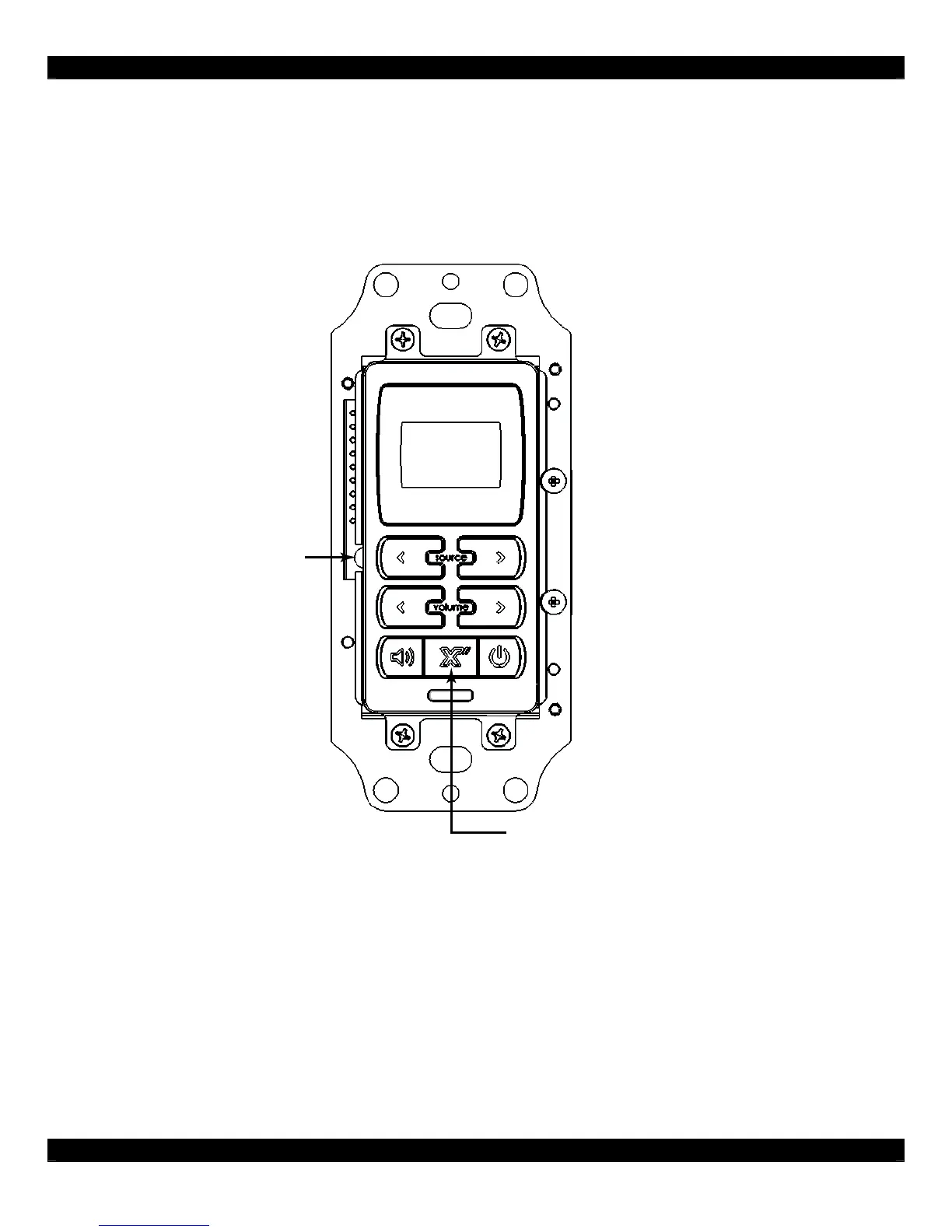
PRESS TO ENTER
INSTALLER SETUP
PRESS TO ENTER
USER SETUP
Figure 4.0: D5KP Keypad Parameter Buttons
To access the “User Parameters”, press the “X” MAIN button for 3 seconds and a menu will appear.
To access the “Setup Parameters”, remove the trim plate and press the setup switch.
Use the “SOURCE RIGHT” and “SOURCE LEFT” buttons to move the cursor next to the parameter to
be changed. Use the “VOLUME UP” and “VOLUME DOWN” buttons to change the parameters.



 To Next Page