28
07. MENU OPTIONS
A. MAIN MENU
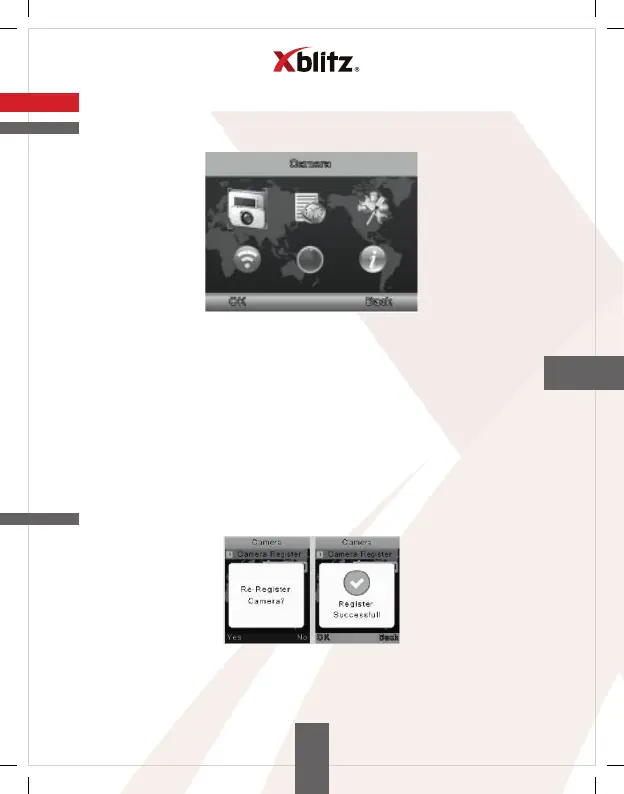
Press the MENU button to enter the main menu. It contains 6 items:
1. Camera
2. Alarm
3. Settings
4. VOX function
5. Languages
6. System information
Press the UP or DOWN button to move the cursor to select the desired one
options. Then use the MENU button to enter the submenu of the selected item.
Press the BACK button to return to the main screen.
B. CAMERA REGISTRATION
Press the MENU button to enter the camera registration screen, then press
the pairing (combining) button on the back of the unit monitoring system
within 10 seconds.
EN


 To Next Page