Note: Do not tie the audio cable together with the power cable to avoid noise.
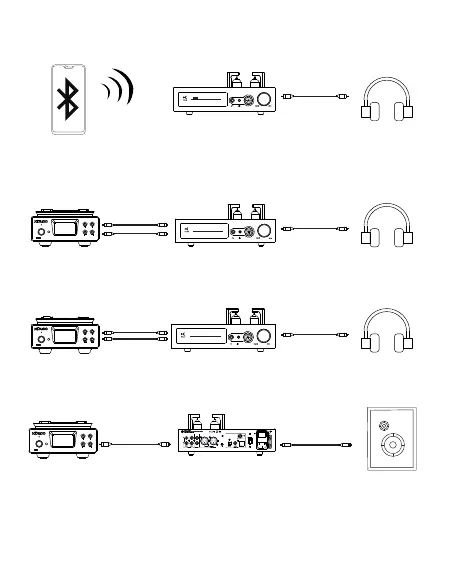
5.Set this unit as AUX input, use audio cable to connect your player or DAC's
AUX output, playing music, connect headphone and enjoy it.
6.When connect USB, COAXIAL, OPTICAL or Bluetooth, the AUX OUT can be
connected to other HI-FI amplifier or Active speakers.
3.Set this unit as Bluetooth input, search and connect bluetooth to phone or
computer, playing music, connect headphone and enjoy it.
96K Hz
BLUETOOTH
APODIZING GAIN=H
LDAC
4.Set this unit as BALANCE input, use balanced audio cable to connect your
player or DAC's Balanced output, playing music, connect headphone and
enjoy it.
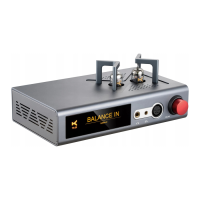
BALA NCEIN
GAIN=H
AUXIN
GAIN=H


 To Next Page