20 Text and number entry
Pinyin Input
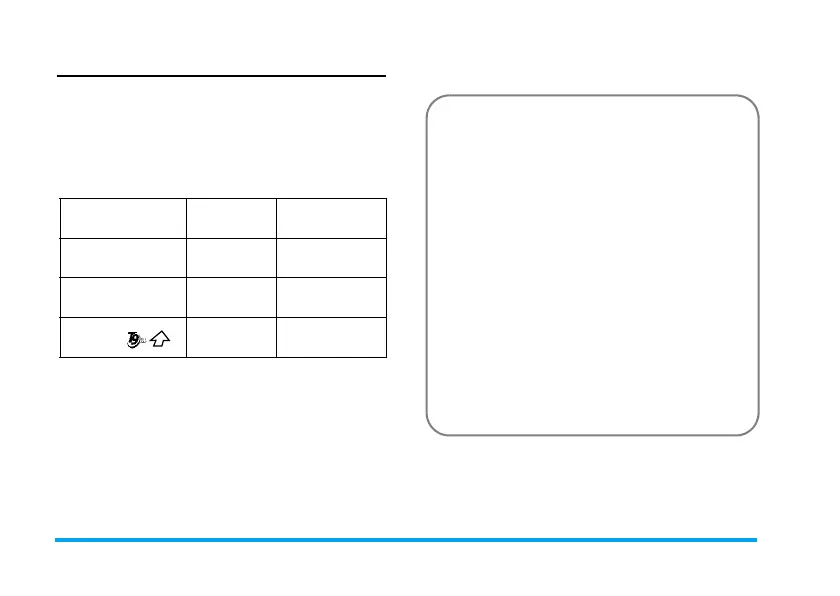
Press
*
and select Pinyin input mode. Each Pinyin
letter is represented by one of the numeric keys as
shown below: (Note that Pinyin input mode is
solely meant for the input of Simplified Chinese
characters. You cannot input Traditional Chinese
characters).
The general steps of using Pinyin input method are
as follows:
12
ABC
3
DEF
4
GHI
5
JKL
6
MNO
7
PQRS
8
TUV
9
WXYZ
*
Mode
0#
Punctuation
1. Enter Pinyin letters
2
to
9
R
Clear
to clear
2. Select Pinyin combination
<
or
>
3. Confirm Pinyin combination
,
4. Select from candidate list
<
or
>
/
+
or
-
(scroll list)
5. Confirm selection
,
6. Select and enter association character, or return
to step 1 to enter new words.
7. Or press
R
Back
to exit from association
character input mode, then press
,
to complete.


 To Next Page