Icons & Symbols 77
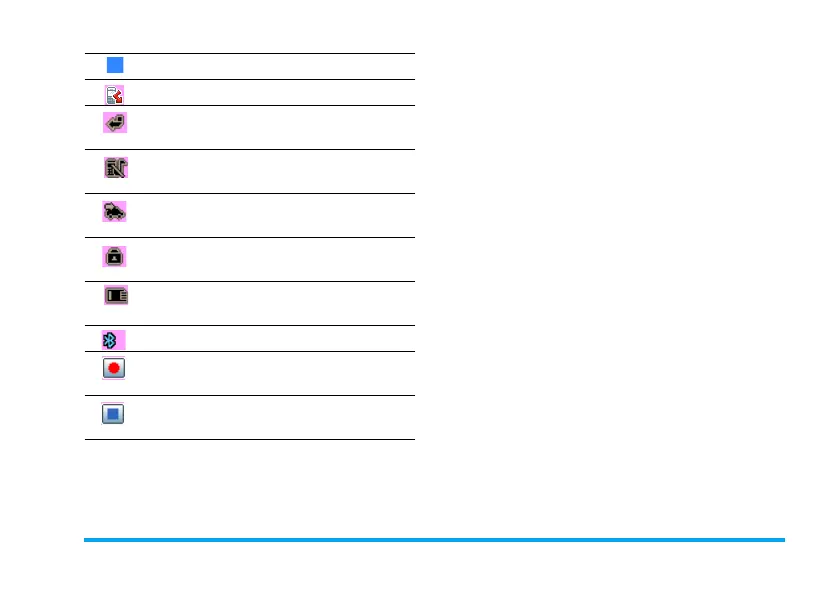
New event - You have a new event.
Miss call - Indicates there is a miss call.
Call Divert - Indicates that the call
divert function is activated.
Silence - Indicates that silent mode is
activated.
Auto answer - Indicates that Auto
answer is on.
Keypad Locked - Indicates that the
keypad is locked.
Memory card - Indicates the memory
card is in use.
Bluetooth - Feature is activated.
Start recording - Indicates OK to start
video recording.
Stop recording - Indicates OK to stop
video recording.


 To Next Page