You can make this setting on the decoder by using the „Mode“ button. Press „Mode“ until
the Input window flashes up, than use the Up and Down buttons to choose between digital
and analog.
In case you have chosen AC-3 the display shows „Pro Logic Auto On”. This means, the
decoder detects automatically a coming Pro Logic Signal and changes to Pro Logic Mode.
By pressing the „Pro Logic Auto On“ button on the remote control you can deactivate this
function, but we recommend you to leave this function activated
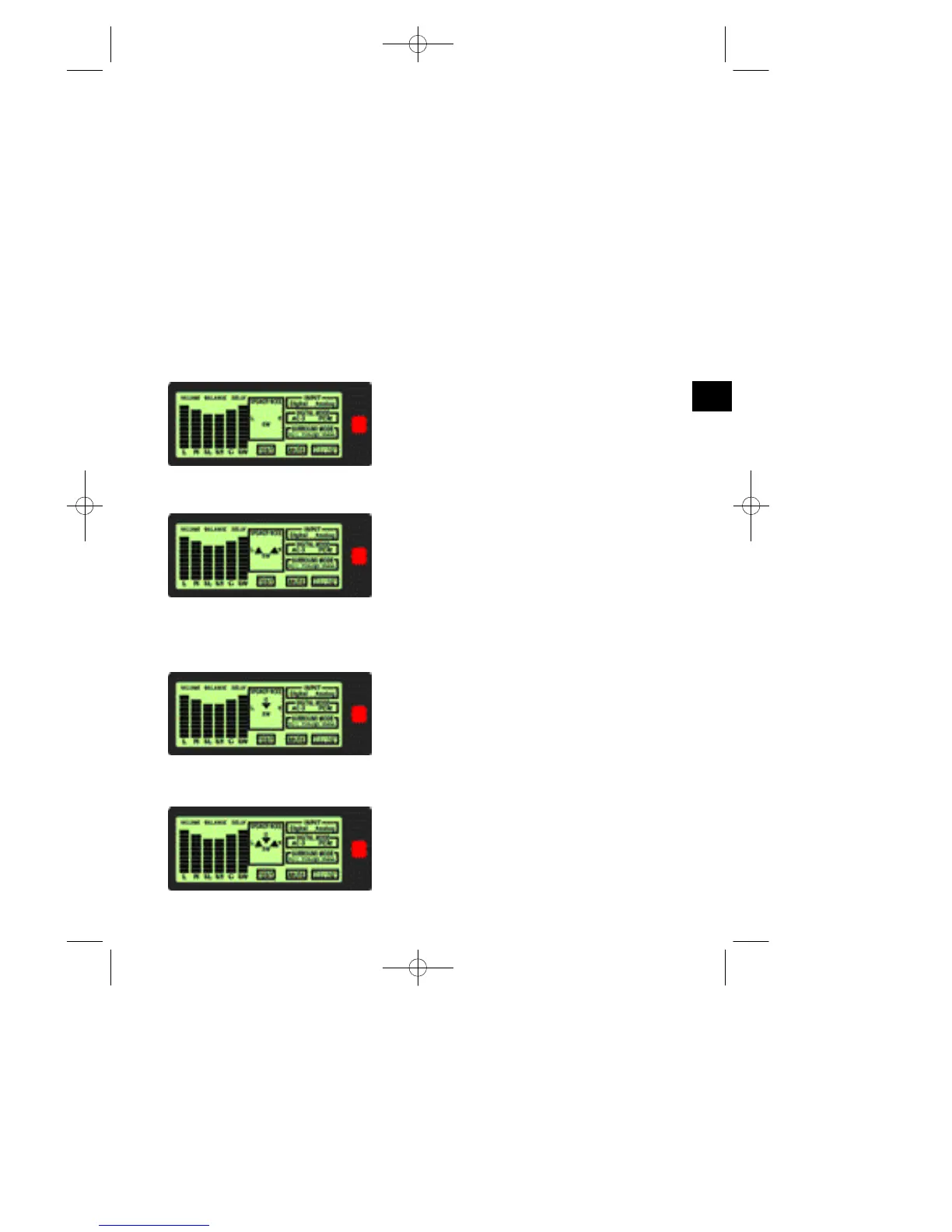
Speaker configuration:
The Xenon system supports 4 kinds of speaker configurations and 2 kinds of bass
management for the Dolby Digital System. The following figures serve as examples
1. Speaker Mode 1: Two Speakers + Subwoofer
A. Bass Management: Configuration 1
B. Bass Management: Configuration 2
2. Speaker Mode 2: Three Speakers + Subwoofer
A. Bass Management: Configuration 1
B. Bass Management: Configuration 2
7
GB
XS-550man_revised.qxd 21.10.2002 16:14 Seite 7


 To Next Page
 Loading...