6
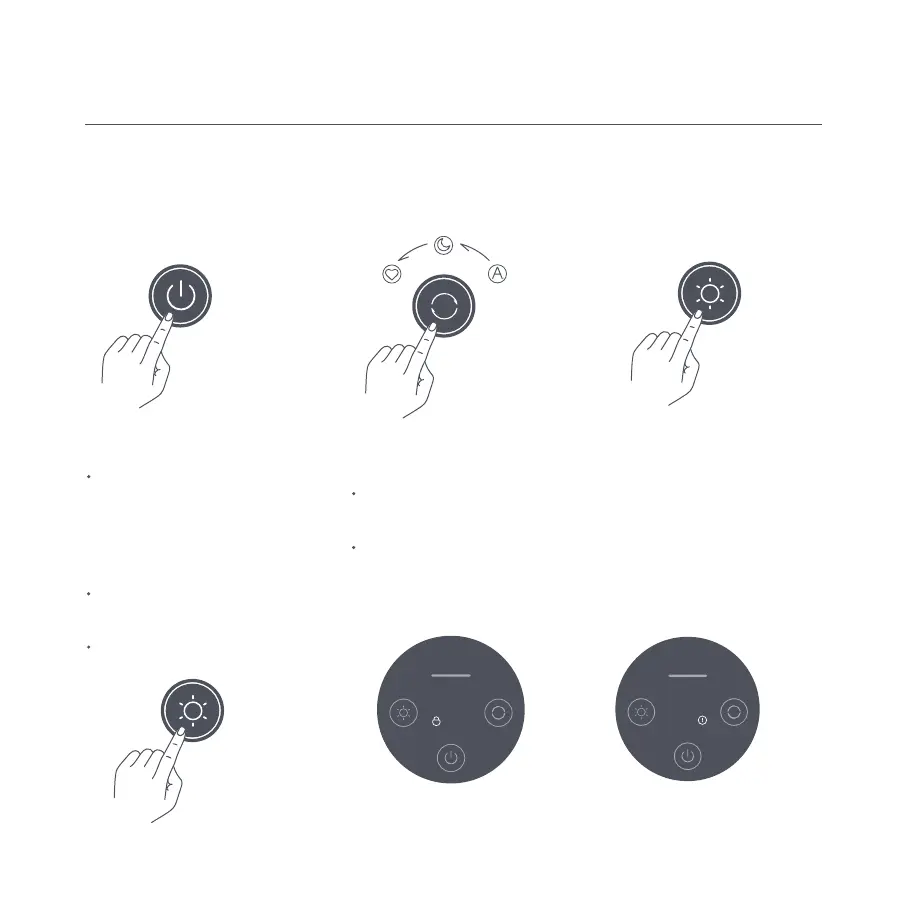
Enabling/disabling the child
lock function
Resetting Wi-Fi
When connecting the purifier to the
app for the first time or unable to
connect to it, press and hold the light
adjustment button for 7 seconds.
Once the Wi-Fi is successfully reset,
the purifier will make a notification
sound and the Wi-Fi indicator will blink.
Once the Wi-Fi is connected
successfully, the Wi-Fi indicator will
remain lit.
If the Wi-Fi connection fails after a
timeout, the Wi-Fi indicator will go out.
Press the power button to
turn on/off the purifier.
While the purifier is on, press
the mode switch button to
cycle through modes.
To enable or disable the child
lock, press and hold the mode
switch button for 7 seconds.
The child lock indicator is on
when the child lock function
is enabled, and is off when the
function is disabled.
Press the light adjustment button to
cycle through its brightness levels:
on, dim, and off.
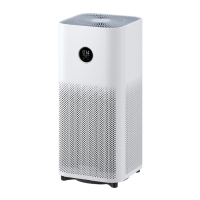
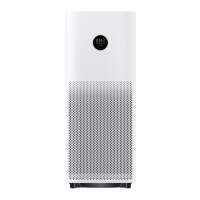
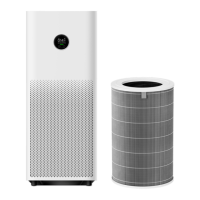
When the filter is exhausted, the
filter exhaustion indicator on the
display will blink.
How to Use
Turning on/off Switching mode Adjusting the display's brightness
Filter exhaustion reminder





 To Next Page