How to Use
Turning On/off
First use
1. Turning on
2. Turning off
Note: Illustrations of product, accessories, and user interface in the user manual are for reference
purposes only. Actual product and functions may vary due to product enhancements.
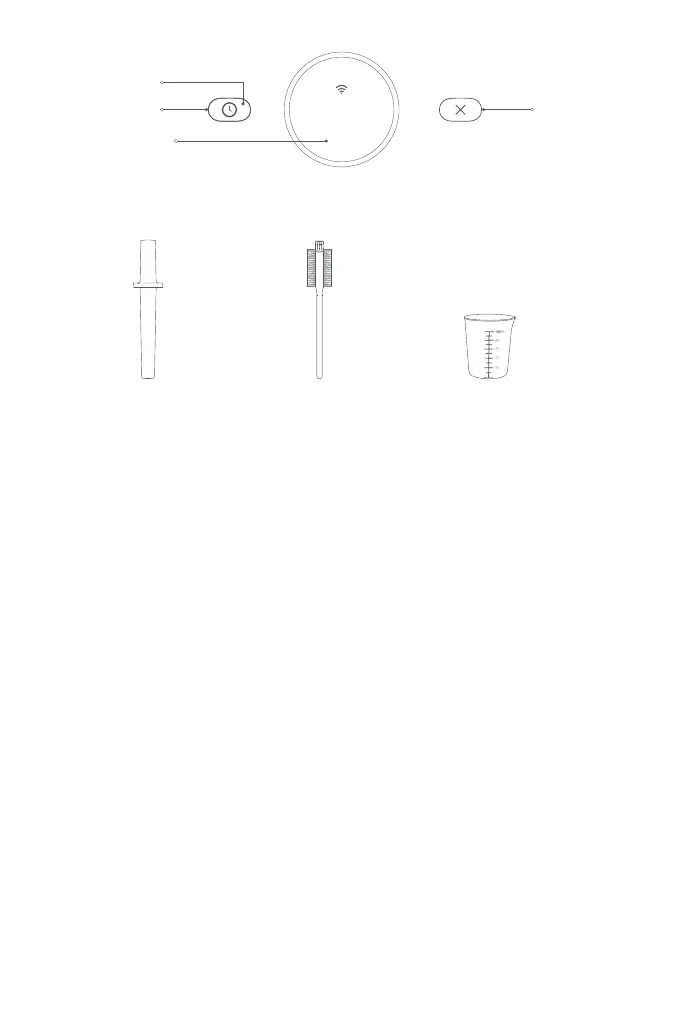
Accessories
Tamper Brush Measuring Cup
Every time the blender is plugged in, it will enter pre-start state aer the startup animation ends, and
the screen will display "Press and hold to turn on", so press and hold the knob to turn on the blender.
The first recipe will appear on the screen when the blender is turned on the first time.
1. When the startup animation ends aer the blender is powered on for the first time, the blender will
enter the language selection screen. Press the knob for the screen to display languages, turn the
knob to select a language, and press it to confirm the selection.
2. Aer the language is set, turn the knob to enter the Wi-Fi seings screen. Press the knob to
enable/disable Wi-Fi. If no action is performed within 30 seconds, the system will automatically
select "No" as default (disable Wi-Fi connection).
In any other mode than Press & hold to clean mode, press and hold the knob to turn the blender off.
Note: The blender will only enter the language selection and Wi-Fi seings screen the first time it's powered on. If you
need to reset later, please go to the seings menu.
05
Schedule Buon
Indicator
Knob/Display
Cancel Buon
Jam
30 min



 To Next Page