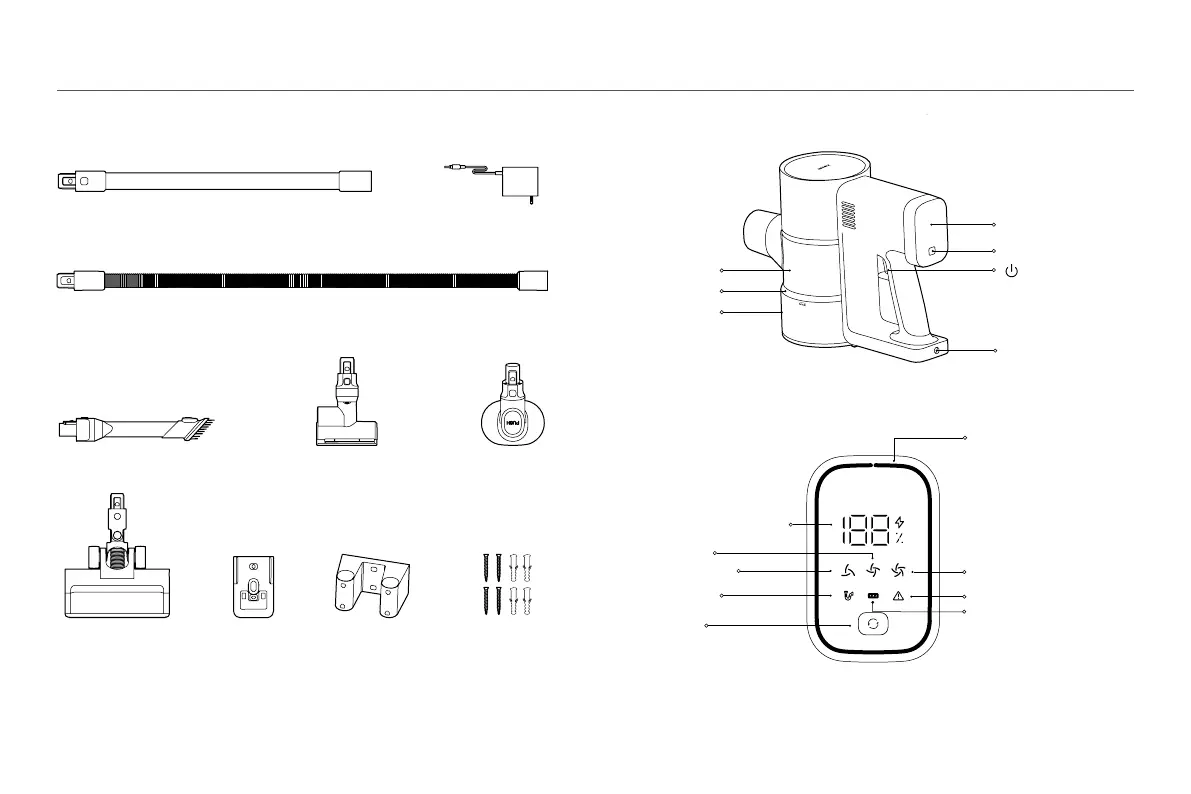
Mode Button
• Press to change modes
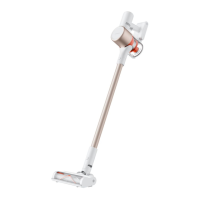
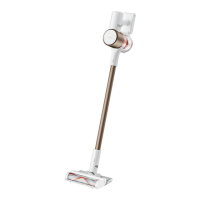
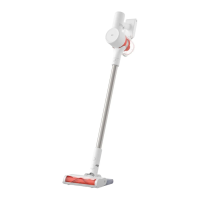
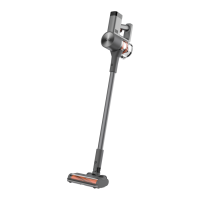
Vacuum Cleaner
Wall Mount
Accessory Wall
Mount
Extension Hose
LED Screen
LED Screen
Error
Roller Brush Tangled
Accessory List
Product Overview
Extension Rod
2-in-1 Brush Nozzle
Power Supply
Mini Electric Brush Pet Brush
Electric Brush Bar
(Equipped with Headlight)
Mount Kit (includes
self-tapping screw × 4,
wall plug × 4)
Note: Illustrations of product, accessories, and user interface in the user manual are for reference purposes only.
Actual product and functions may vary due to product enhancements.
Note: If the vacuum cleaner cannot work properly, the screen will show the relevant error messages. For solutions,
refer to the Troubleshooting section. If the issue persists, contact the after-sales service team.
Vacuum Cleaner
Filter
Dust Compartment
Dust Release Button
Air Duct Blocked
Standard Mode
Energy-saving Mode
Mode Button
Press to turn on/off
Charging Port
High Power Mode
Battery Level/Error Code Display
Battery Status/Error Indicator
• Battery Level Indicator:
Green: Battery level
10%
Red: Battery level ≤ 10%
Note: The display proportion
of the ring changes with the
battery level.
• Error Status:
The whole ring displays red.






 To Next Page