EasyManua.ls Logo

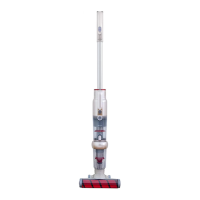
Xiaomi Jimmy JV71 - User Manual

Xiaomi Jimmy JV71
33 pages
Print Icon
To Next Page IconTo Next Page
Loading...
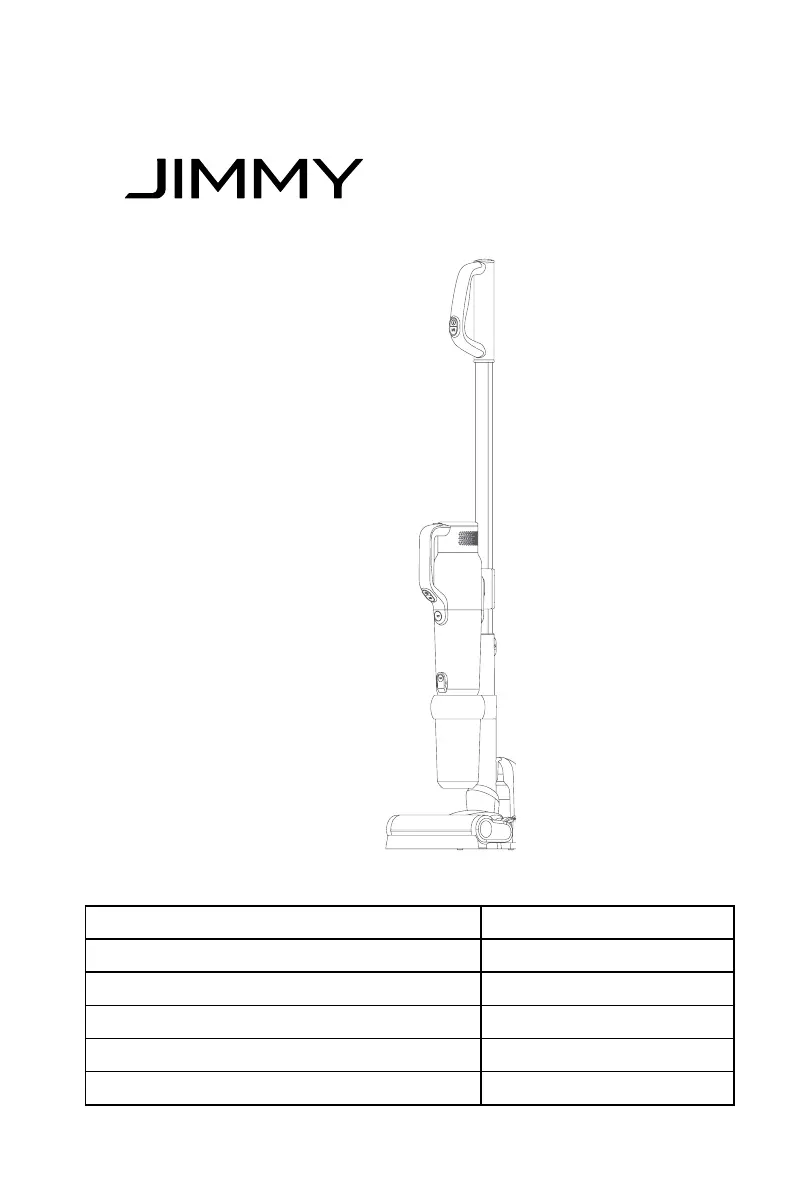
Instruction Manual Vacuum Cleaner
Manuale d’Istruzione Aspirapolvere
Manual de instrucciones Aspirador
Manuel d'instructions Aspirateur
Инструкция по эксплуатации Пылессос
Bedienungsanleitung Vakuum Staubsauger
JV71

Questions and Answers

  • K
    Kimberly WalkerAug 5, 2025
    Why does my Xiaomi Vacuum Cleaner have low suction?
    • M
      Maurice CollinsAug 5, 2025
      If your Xiaomi Vacuum Cleaner exhibits low suction, several factors could be responsible. First, check if the dust cup is full and empty it if necessary. Additionally, the HEPA and premotor filters might be blocked, requiring cleaning or replacement. Finally, a blocked floorhead hose or brushroll could also be the culprit, so ensure you clean the floorhead thoroughly.
  • B
    Bryan GrossAug 12, 2025
    Why my Xiaomi Jimmy JV71 doesn't start?
    • A
      Adrian WilliamsAug 13, 2025
      If your Xiaomi Vacuum Cleaner doesn't start, the issue might stem from a depleted battery. In this case, charge the vacuum. Alternatively, ensure the handheld vacuum is correctly assembled to the main body; if not, reassemble it.
  • R
    riveragregoryAug 21, 2025
    What to do if my Xiaomi Jimmy JV71 has short run time after charging?
    • R
      Ralph GregoryAug 21, 2025
      If your Xiaomi Vacuum Cleaner has a short run time after charging, it could be due to the battery not being fully charged. Follow the instruction manual to fully charge the battery. Another possible reason is that the battery is old and aging, in which case you should replace it with a new one.
  • R
    Ryan TylerAug 28, 2025
    What to do if charging indicator did not turn red during charging Xiaomi Vacuum Cleaner?
    • D
      Debbie HolmesAug 28, 2025
      If the charging indicator doesn't turn red while charging your Xiaomi Vacuum Cleaner, it may be due to a poorly assembled battery pack. Try reassembling the battery pack. Another potential cause is that the handheld vacuum is not correctly assembled to the main body; in this case, reassemble it.

Summary

Product Assembly

Mainbody Assembly

Tools Assembly

2-in-1 Upholstery and Crevice Tool Transformation

Demonstrates sliding brushroll on upholstery and crevice tools for different cleaning.

Connecting Handheld to Tools

Explains connecting hose to upholstery tool, crevice tool, mattress head, and handle.

Connecting Stretch Hose to Tools

Details connecting stretch hose to upholstery tool, crevice tool, and handle.

Connecting Handle to Tools

Guides on removing handle and connecting dusting brush for high-reach cleaning.

Product Operation

Charging the Vacuum

Instructions on how to charge the vacuum cleaner and battery care tips.

Using the Handheld Vacuum

Details on operating the handheld unit, including power and mode controls.

Using the Upright Vacuum

Guide to operating the vacuum in its upright configuration.

Using the Electric Floorhead

Information on using the electric floorhead on different surfaces.

Using Vacuum Cleaner Tools

Guides for using specific tools like upholstery, crevice, mattress head, dusting brush, and hose.

Cleaning and Maintenance

Deep Clean Dust Cup

Steps to disassemble, empty, and clean the dust cup and cyclone assembly.

Clean Brushroll

Instructions on how to clean the brushroll for optimal performance.

Clean Nozzle Hose

Guide on how to disassemble and clean the nozzle hose.

Machine Storage

Safety Notes

Troubleshooting

Technical Data

Disposal

Xiaomi Jimmy JV71 Specifications

General IconGeneral
ModelJV71
CategoryVacuum Cleaner
Dust Collection TypeBagless
Cord TypeCordless
Suction Power130 AW
Power400 W
Battery Voltage25.2 V
Battery Capacity2500 mAh
Filtration SystemHEPA
Charging Time4-5 hours
Dust Container Capacity600 ml

Related product manuals