Need help?
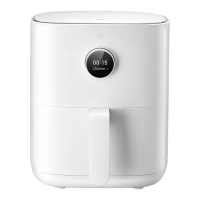
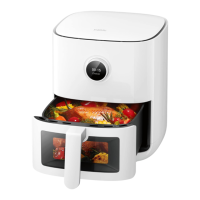
Do you have a question about the Xiaomi MAF05 and is the answer not in the manual?
Connect power cord and press power button to start the air fryer.
Press the power button to turn off the air fryer, regardless of its current state.
Access 'Reset Wi-Fi' screen, confirm reset or abandon the action.
Access 'Enable/Disable Wi-Fi' screen, confirm action or abandon.
Navigate to settings and select desired language using the control knob.
Enter manual mode, set temperature/time with knob, then start cooking.
Pull out basket to turn food when prompted, reinsert to resume cooking.
Set program, temp, duration, and completion time for scheduled cooking.
 General
| Category | Fryer |
|---|---|
| Model | MAF05 |
| Capacity | 3.5L |
| Power | 1500W |
| Voltage | 220-240V |
| Frequency | 50-60Hz |
| Temperature Range | 80-200°C |
| Timer | 60 minutes |


 To Next Page