01
Geing started
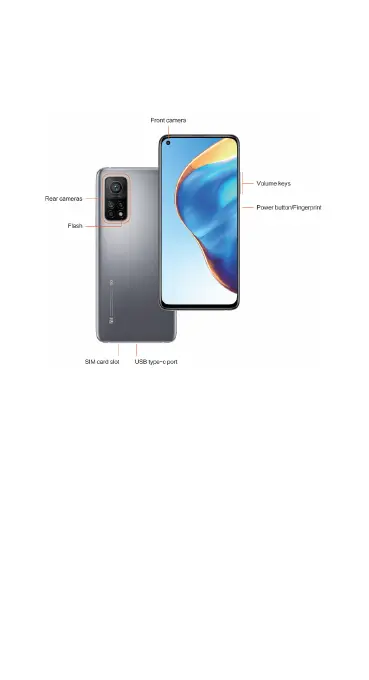
Dear customer, thanks for purchasing the Mi 10T Pro/Mi 10T phone. Let’s start
a wonderful journey to use this phone.
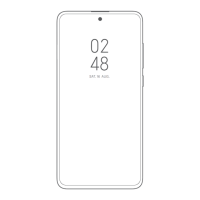
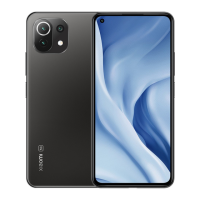
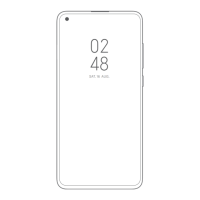
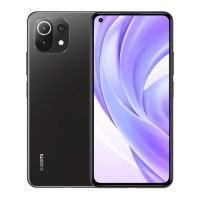
Before we get started, let's have a glance at the exquisite design of this
phone.
Set up your device
Before using your phone, you need to set up your phone first. Among a large
number of phone features, some of them require your special aention and
need to be set up carefully.
• Turn phone on and off
• SIM cards & mobile networks
• Display
• Lock screen
Turn phone on and off
You can turn your phone on or off by pressing and holding the Power buon
on the right side of your phone.
1. Turning on
Press and hold the Power buon to turn your phone on.
2. Turning off
Press and hold the Power buon until the menu appears. Tap Power off.
If your device doesn't respond, press and hold the Power buon for 15
seconds to force reboot.
3. Rebooting
Press and hold the Power buon until the menu appears. Tap Reboot.








 To Next Page