Connecting with the Xiaomi Home App
6
7E1C4FFB
This product works with the Xiaomi Home app. Use the Xiaomi Home app to
control your device, and to interact with other smart
home devices.
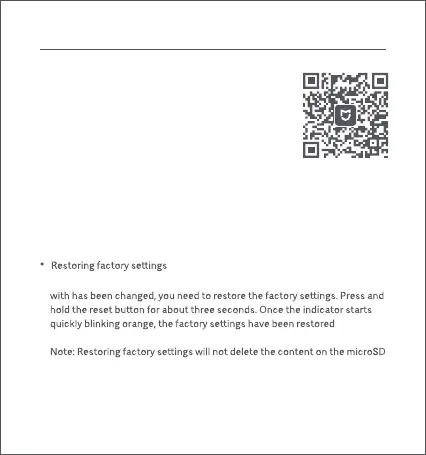
Scan the QR code to download and install the app.
You will be directed to the connection setup page if the
app is installed already. Or search for "Xiaomi Home" in
the app store to download and install it.
Open the Xiaomi Home app, tap "+" on the upper right,
and then follow the instructions to add your device.
Note: The version of the app might have been updated, please follow the
instructions based on the current app version.
Make sure the camera turns on and the network connection is stable during
connecting. The indicator is quickly blinking orange when waiting for a
connection, and turns into blue once the camera is successfully connected.
If the network connection or the Xiaomi Account that the camera is paired
successfully. Then you can reconnect the camera with the app.
card.






 To Next Page