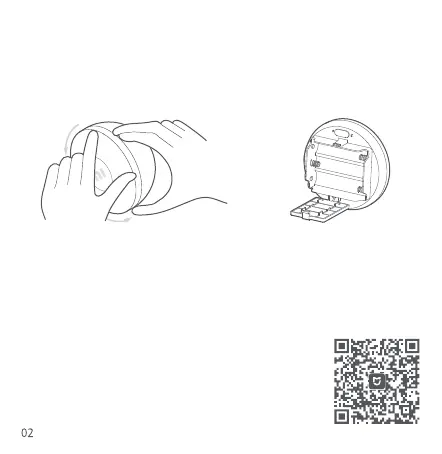
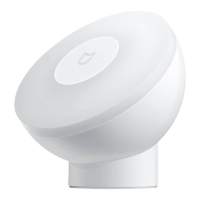
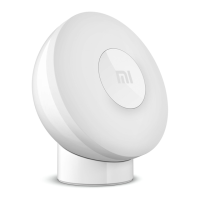
Turn the front cover counterclockwise to unscrew it from its hemispherical housing.
Open the battery cover and install three AA batteries in the battery compartment.
Installation
1. Installing the batteries
This product works with the Mi Home/Xiaomi Home app*. Use the Mi Home/Xiaomi
Home app to control your device, and to interact with other smart home devices. Scan
the QR code to download and install the app. You will be directed to the connection
setup page if the app is installed already. Or search "Mi Home/Xiaomi Home" in the
app store to download and install it.
Open Mi Home/Xiaomi Home app, tap "+" on the upper right,
and then follow prompts to add your device.
2. Connecting with Mi Home/Xiaomi Home App


 To Next Page