Connecting with the Mi Home/Xiaomi Home App
The following tasks can be carried out in the Mi Home/Xiaomi Home app:
This product works with the Mi Home/Xiaomi Home app*. Control your device with Mi
Home/Xiaomi Home app.
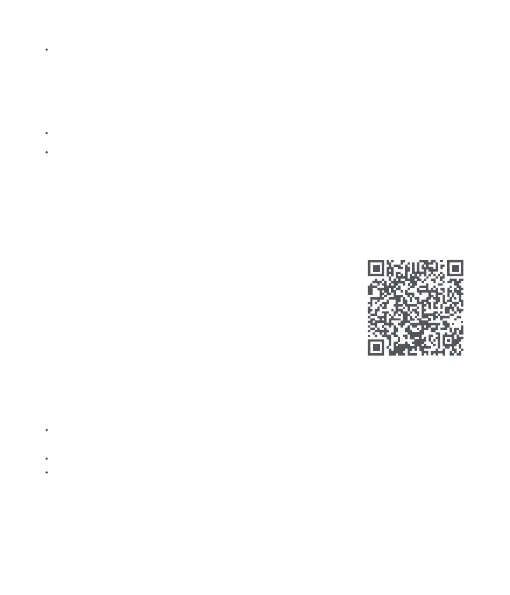
Scan the QR code to download and install the app. You will be
directed to the connection setup page if the app is installed already.
Or search for "Mi Home/Xiaomi Home" in the app store to download
and install it.
Open the Mi Home/Xiaomi Home app, tap "+" on the upper right,
and then follow the instructions to add your device.
* The app is referred to as Xiaomi Home app in Europe
(except for Russia). The name of the app displayed on your
device should be taken as the default.
Turn on/off the camping lantern; adjust brightness, color temperature, and color for
always-on mode and color light mode in the Lighting mode.
Switch modes and add your own modes.
Use turn-off delay.
If the baery of the primary light goes below about 15%, it will trigger baery protection and
stop charging the secondary light. Once the primary light is recharged to over about 30%,
re-insert the secondary light to begin charging it.
Secondary light detached from primary light
The primary light can be charged by using a Type-C charging cable.
The secondary light cannot be charged independently.
FC6C96A1
8



 To Next Page