3
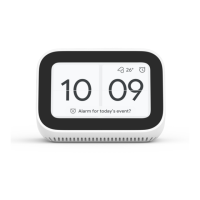
Your Mi Smart Clock
What you need to get started
Geing Started
1
Download the Google Home app
1
Plug in the device
2
A Google Account
2
A mobile phone or tablet that
An internet connection and secure wireless
network
3
4
English
Has Android™ 5.0 or higher
Works with 2.4 GHz WiFi network (a WPA-2 Enterprise
network won’t work)
All of the seings and controls during the setup
process are carried out through the Google Home app,
so you’ll need to download it to your phone or tablet.
Go into the app store on your device. On iOS this is the
App Store and on Android devices it is the Google Play
Store. Once in the store, search for Google Home and
when you found the correct app, download and install it.
Now that we have the soware we need, it’s time to get
the hardware itself set up. Take the power adaptor that
came packaged with the device and plug in into the
port, then take the other end of the cable and plug in
into your wall.





 To Next Page