5
Kick start your day:
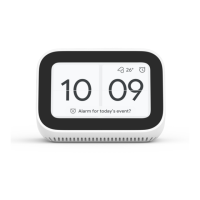
Wake up with hundreds of sound and media alarms.
Plus, check the weather, view your calendar, get
commute info, news, and more - all hands free.
Unwind in the evening:
Ask Google to turn off the lights, lock the doors, and
play some relaxing music as you get ready for bed. You
can also see alarm suggestions and set it up via voice
or touch.
Control your connected home:
Use your voice to control your smart home devices.
Turn on the lights, adjust the thermostat, check your
security camera and more - just say “Ok Google.“ to
get started.
Enjoy your favourite music:
Talk to Google to play your favourite music and radio.
Your Smart Clock also works with Chromecast, so you
can cast your favourite shows, movies, or music to
your TV or speakers using your voice.
English
Ok Google





 To Next Page