05
For specific description of the Indicator light, please go to
www.amazon.com/devicesupport
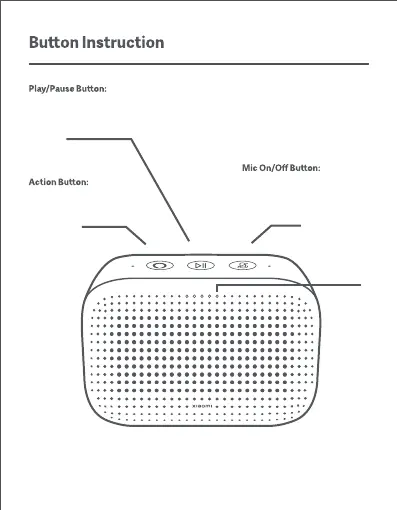
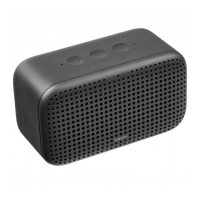
Press to turn on/off
the
microphone. When the
microphone is on, the two
indicators on the right stays red.
Indicator
light
Press to
wake/interrupt/stop the
Alexa
Press to play/pause
Press and hold to reset the speaker in
the Mi Home/Xiaomi Home app


 To Next Page