1
Steps:
Remove the gimbal from drone, don't install gimbal during pairing mode.
The hole of “pairing switch” is on the bottom of the drone module.
Power on the drone while pushing the pairing switch with a pin or needle.
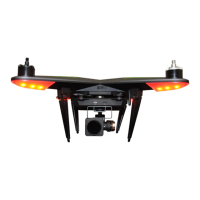
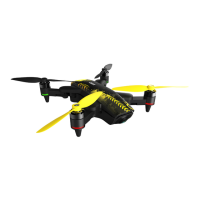
The drone LED light will blink from red to yellow and green quickly,
and it will exit the pairing mode automatically.
Put the left stick up and right , and the right stick down and left (see in
the photo), turn the power on the remote controller (at the back) and
the remote LED indicators will blink red and green.
1. Enter pairing mode
2. Pairing


 To Next Page
 Loading...