2
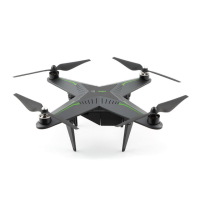
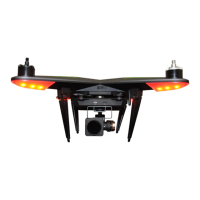
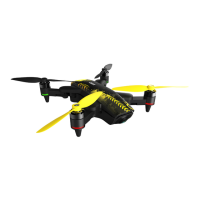
The remote controller LED indicators stay solid now, the drone LED
light shows Green(Yellow) and Red now.
You are now able to control the drone, the remote controller X sign
(Drone sign) now shows in Green light.
3. Pairing Successful
The drone LED light still in all Red, and remote controller LED
indicators still blinking, please repeat steps 1-2 above.
Pairing fail:


 To Next Page
 Loading...