4
Welcome to Your XO Tablet
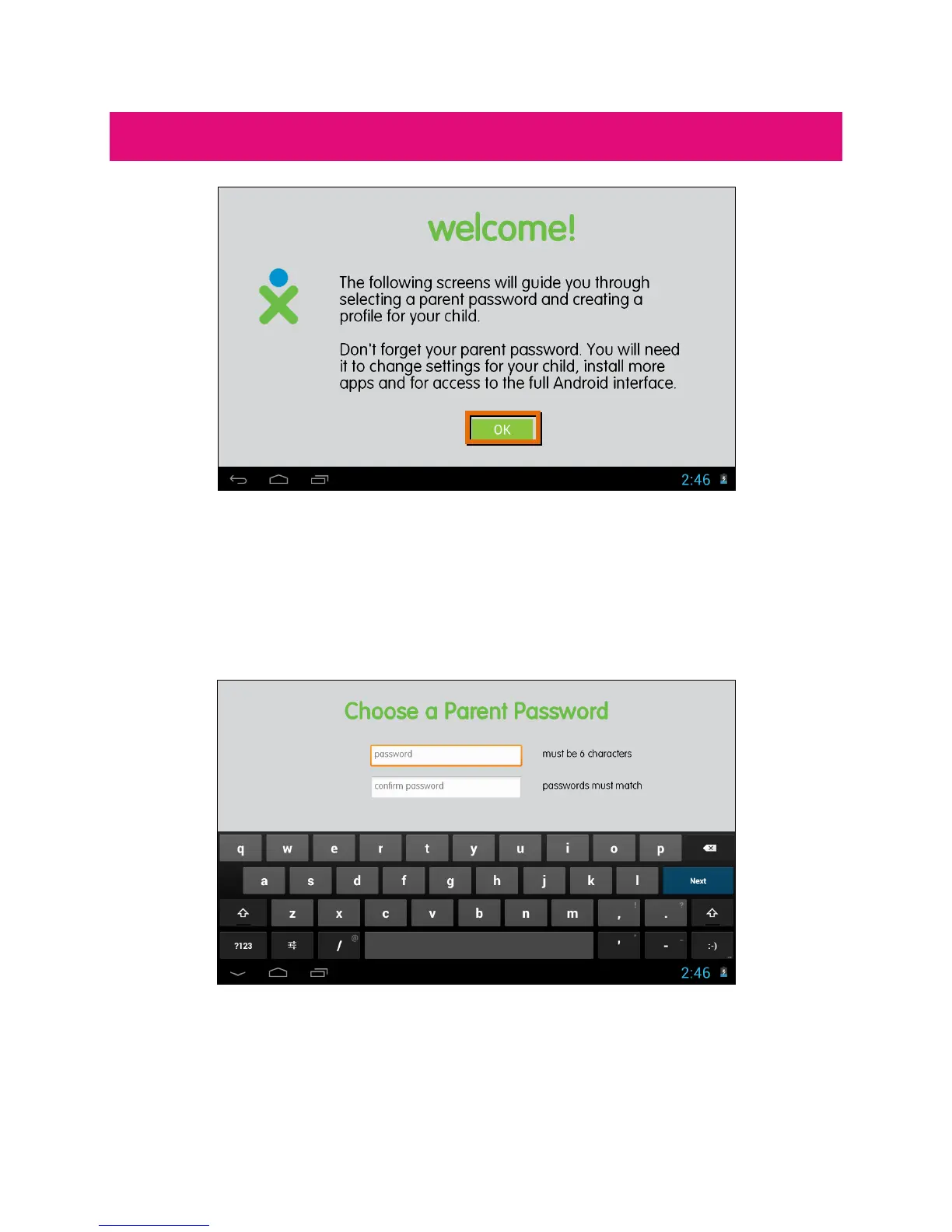
Welcome to your XO Tablet! You will now be prompted to continue the XO Setup.
This includes selecting your password and setting up your child’s profile. Touch
OK to continue this process.
CHOOSE A PARENT PASSWORD
Enter your password (must be 6 characters) and touch Next from the onscreen
keyboard. Then re-enter to confirm the password and touch Done from the
onscreen keyboard.


 To Next Page