7
Welcome to your XO Tablet!
WIFI CONNECTION
You can connect your tablet to WiFi during or after the initial setup.
By default WiFi is turned OFF. To see available networks follow these steps to turn
WiFi ON:
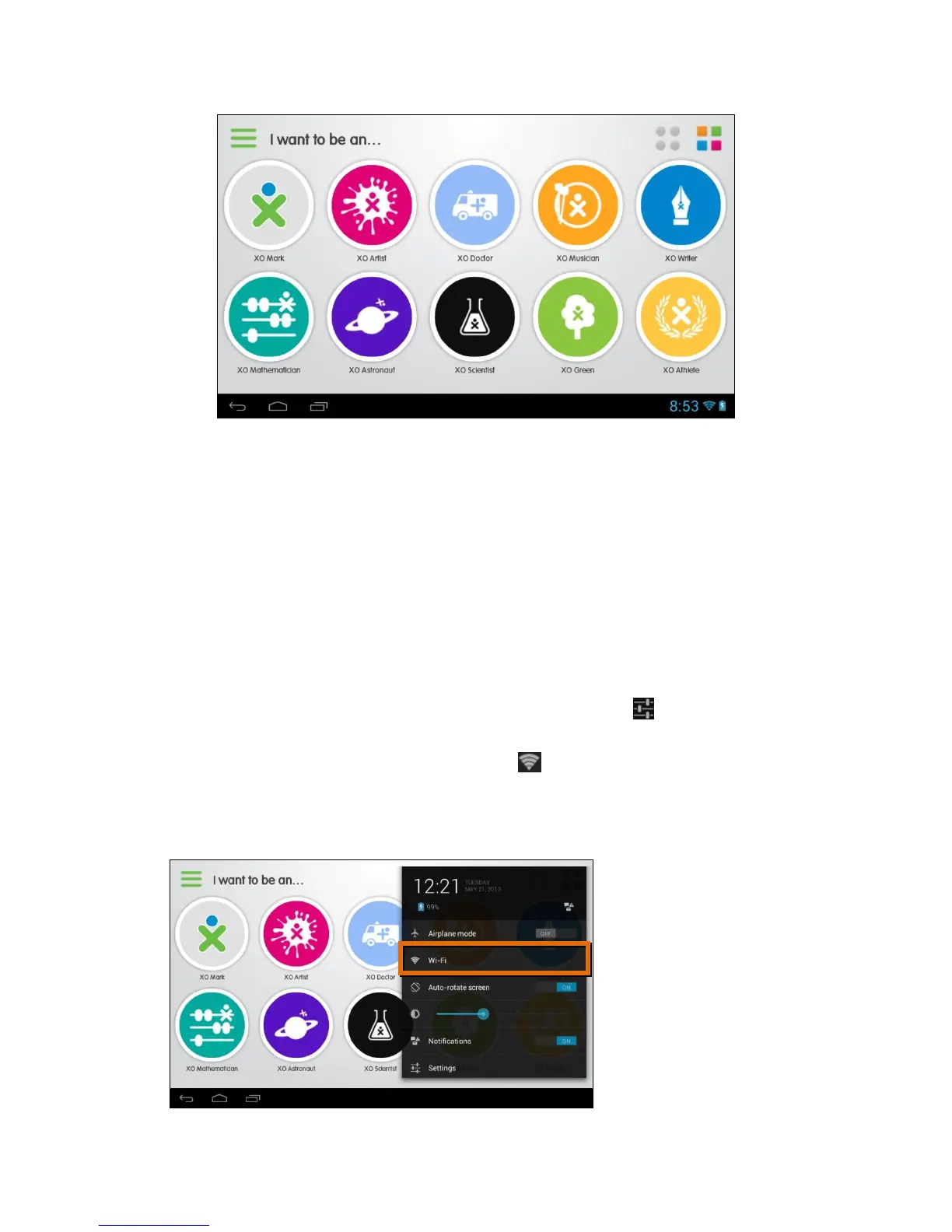
1. Touch the status bar on the bottom right (where the battery icon is
displayed).
2. The window shade appears. Touch the Settings icon .
3. The window shade expands. Touch the Wi-Fi option.
Note: If you do not see the Wi-Fi option, then touch the Settings option.
You you will first be prompted to enter your (parent) password before the
Settings list appears if you have already finished the initial setup.



 To Next Page