EasyManua.ls Logo

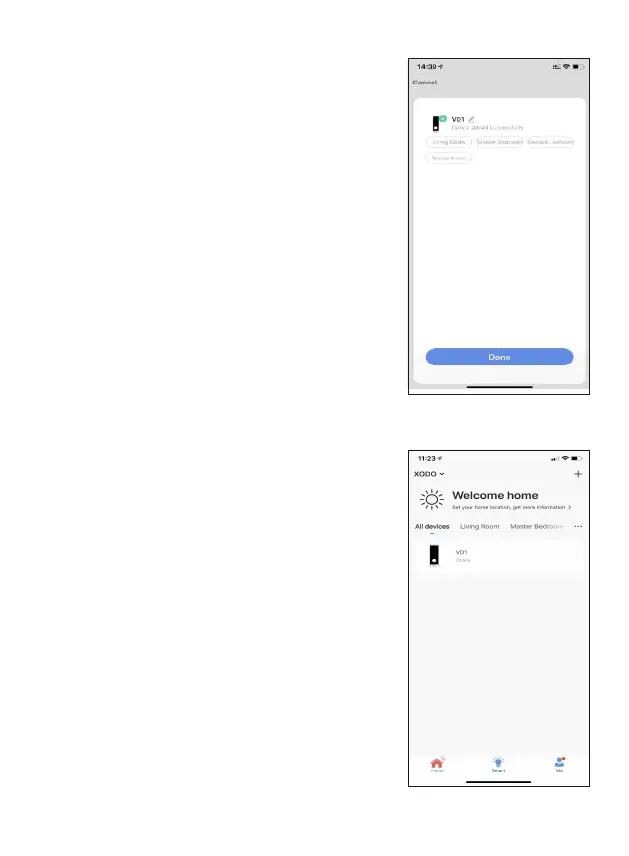
XODO PK2 - Device Confirmation and Home Screen Update; Confirmation Screen; Home Screen Updated

Default Icon
27 pages
Print Icon
To Next Page IconTo Next Page
To Previous Page IconTo Previous Page
Loading...
12
The smart device is added once they are

rename the smart device by clicking on the pencil







Home Screen Updated

Related product manuals