EasyManua.ls Logo

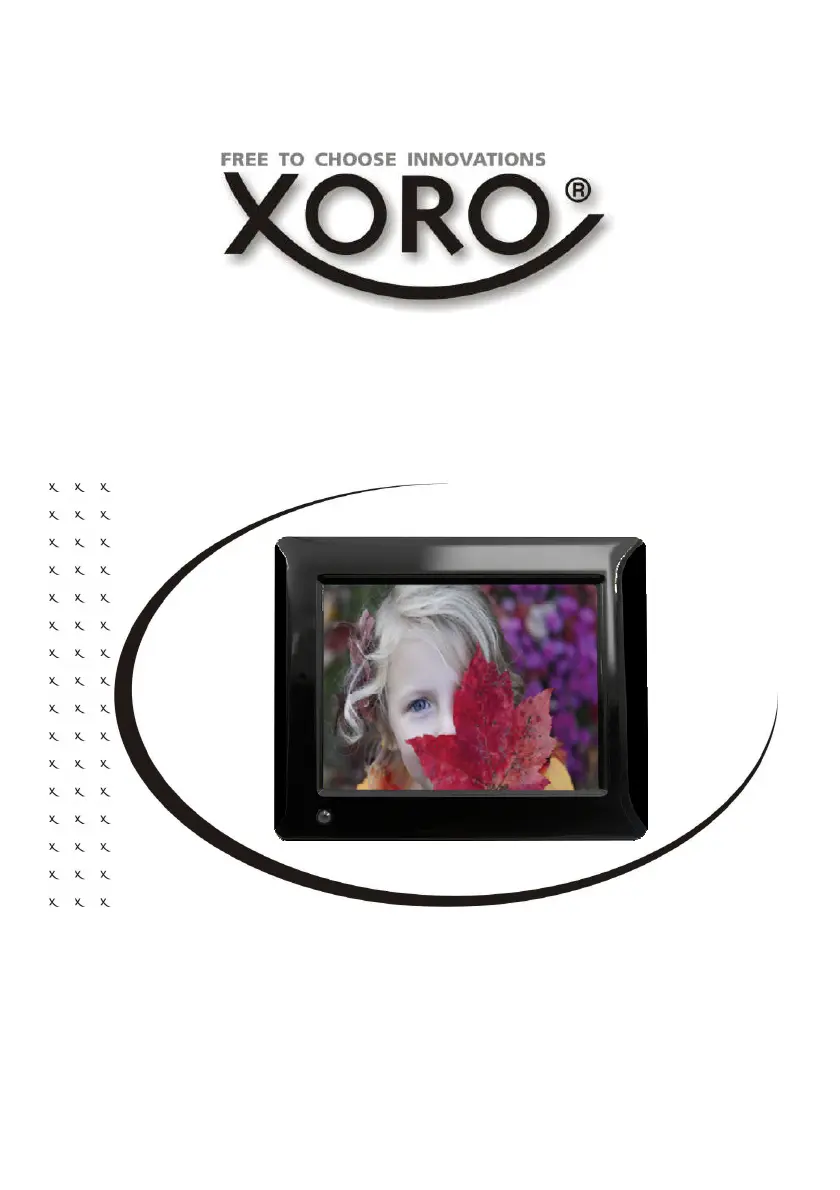
Xoro CPF 8A1 - User Manual

Xoro CPF 8A1
50 pages
Go to English
Print Icon
To Next Page IconTo Next Page
Loading...
BEDIENUNGSANLEITUNG (DE)
Cloud Fotorahmen

Questions and Answers

  • A
    aprildennisAug 10, 2025
    Why my Xoro CPF 8A1 does not turn on?
    • M
      Michael SilvaAug 10, 2025
      If your Xoro Digital Photo Frame isn't turning on, make sure the power adapter is properly connected to the power outlet and that the power supply cable is securely connected to the device. If both connections are good, try unplugging the device, waiting one minute, and then plugging it back in.
  • B
    Bradley StewartAug 21, 2025
    What to do if my Xoro CPF 8A1 Digital Photo Frame has no internet connection?
    • K
      Kenneth HuberAug 21, 2025
      If your Xoro Digital Photo Frame isn't connecting to the internet, first ensure your wireless router is functioning correctly. Then, verify that the settings on your Xoro CPF are accurate, paying close attention to the DHCP setting. Try running the automatic network search again, and make sure you're entering the correct password as configured in your router. Avoid selecting foreign networks. Finally, consider that the internet server might be temporarily down or experiencing overload.
  • D
    Duane ConleyAug 30, 2025
    How to fix no sound on Xoro CPF 8A1 Digital Photo Frame?
    • S
      Stephen HurstAug 30, 2025
      If you're not hearing any sound from your Xoro Digital Photo Frame, first check if mute is activated in the volume control. If it is, deactivate it. If not, turn up the volume until you can hear the sound. Also, review the sound settings to ensure they are properly configured.

Xoro CPF 8A1 Specifications

General IconGeneral
Display Size8 inches
Aspect Ratio4:3
Slideshow FunctionYes
Built-in SpeakerYes
Power SupplyAC adapter
Supported image formatsJPEG
ConnectivityUSB 2.0
Resolution1024 x 768 pixels
Memory Card SupportSD, SDHC, MMC
USB PortUSB 2.0