Digital Photo Frame 11
English
OPERATION
Place the device in a suitable place. Use the built-in stand or a standard VESA wall bracket for TV
sets. Then connect the supplied power supply unit to the unit. Press and hold the power button on
the back of the unit for 3 seconds or use the remote control to turn on / off.
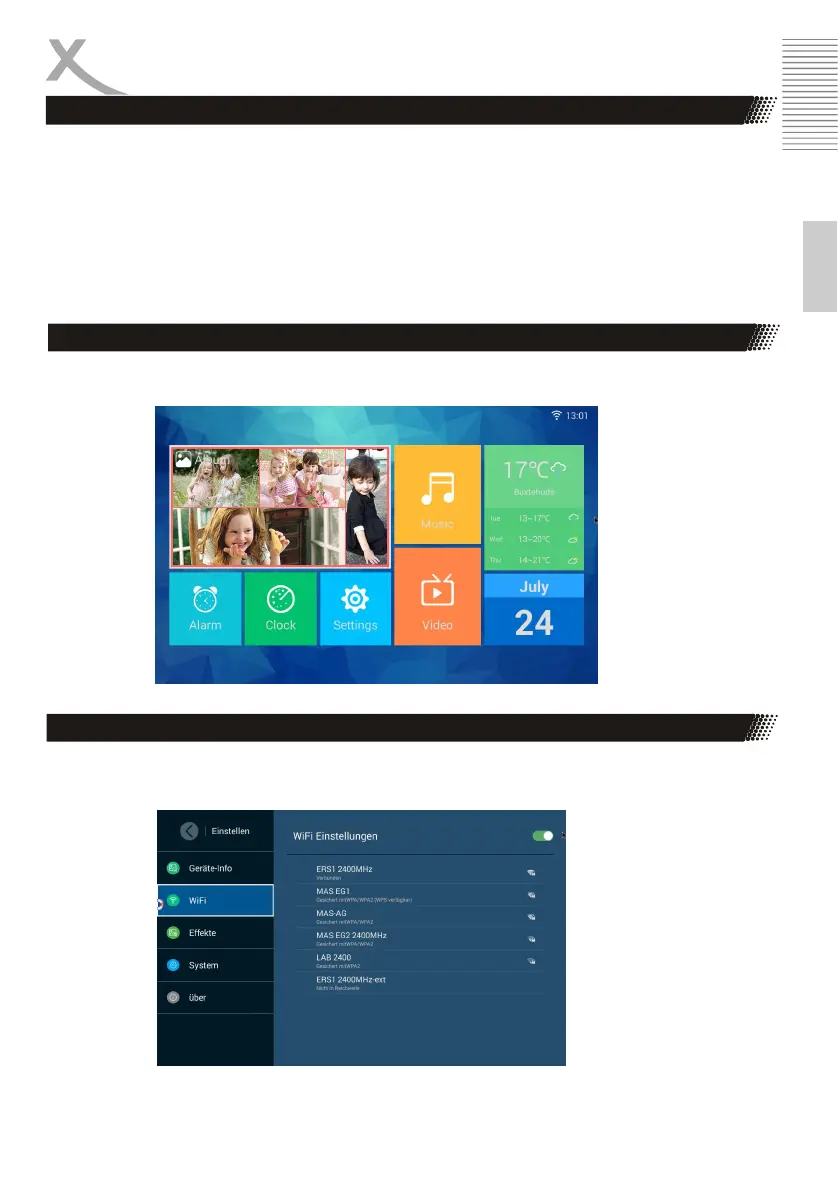
The main menu of the digital photo frame will appear immediately after switching on.
First Steps
Homescreen
WIFI Settings
Go to Settings / WIFI, select the WiFi network you want to connect to, and press "OK / Play" to
connect.



 To Next Page