EasyManua.ls Logo

Xoro TelePAD 10A3 4G - User Manual

Xoro TelePAD 10A3 4G
29 pages
Print Icon
To Next Page IconTo Next Page
Loading...
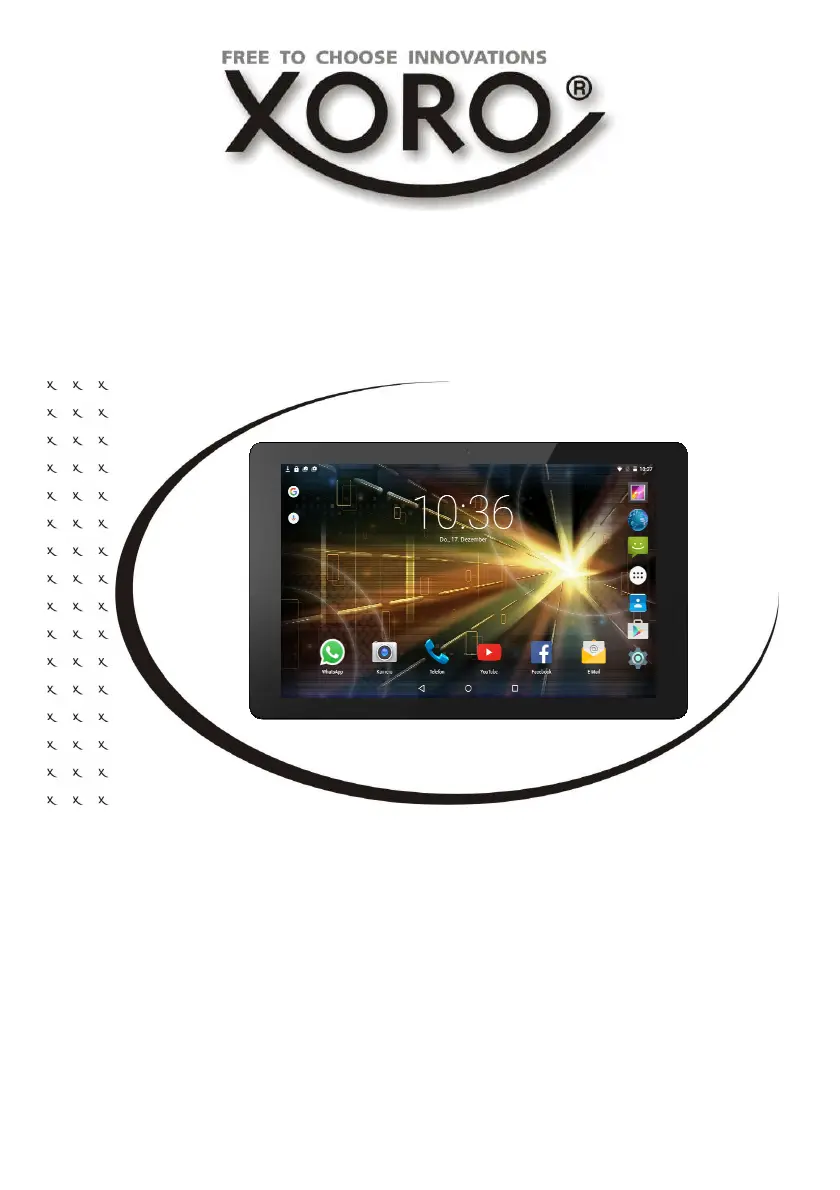
QUICK START GUIDE (ENG)
TelePAD 10A3 4G

Questions and Answers

  • T
    Tammy McconnellAug 11, 2025
    What to do if my Xoro TelePAD 10A3 4G has no internet connection?
    • T
      Travis KennedyAug 12, 2025
      If your Xoro Tablet isn't connecting to the internet: * Verify that your wireless router is functioning correctly. * Ensure the parameters on your Xoro TelePAD are set correctly, paying attention to the DHCP setting. * Run the automatic network search again. * Enter the correct password as configured in your router. * Avoid selecting foreign networks. * Check if the device is in airplane mode. Also, the internet server may be temporarily unavailable or overloaded.
  • V
    veronicamcintoshAug 19, 2025
    Why does my Xoro TelePAD 10A3 4G have no sound?
    • C
      Cheryl PayneAug 19, 2025
      If you're experiencing a lack of sound on your Xoro Tablet, check the following: * Ensure that mute is not activated in the volume control. * Increase the volume until you can hear the sound.
  • D
    Dustin JimenezAug 26, 2025
    How to fix no mobile connection on Xoro TelePAD 10A3 4G Tablet?
    • R
      rkelleyAug 27, 2025
      If your Xoro Tablet isn't connecting to a mobile network: * Check if the SIM card has been correctly inserted into the device. * Verify that the SIM card is enabled in the System Setup menu. * Ensure sufficient wireless coverage, avoiding areas like tunnels or basements where mobile radio reception may be disturbed.
  • S
    Shelby LozanoSep 2, 2025
    What to do if the time and date are wrong on my Xoro Tablet?
    • J
      Jennifer RussellSep 2, 2025
      If the time and date are incorrect on your Xoro Tablet, check the settings for the time zone and re-enter it.

Xoro TelePAD 10A3 4G Specifications

General IconGeneral
BrandXoro
ModelTelePAD 10A3 4G
CategoryTablet
LanguageEnglish

Related product manuals