English - 7
Installation and Operation Guide
(Continued)
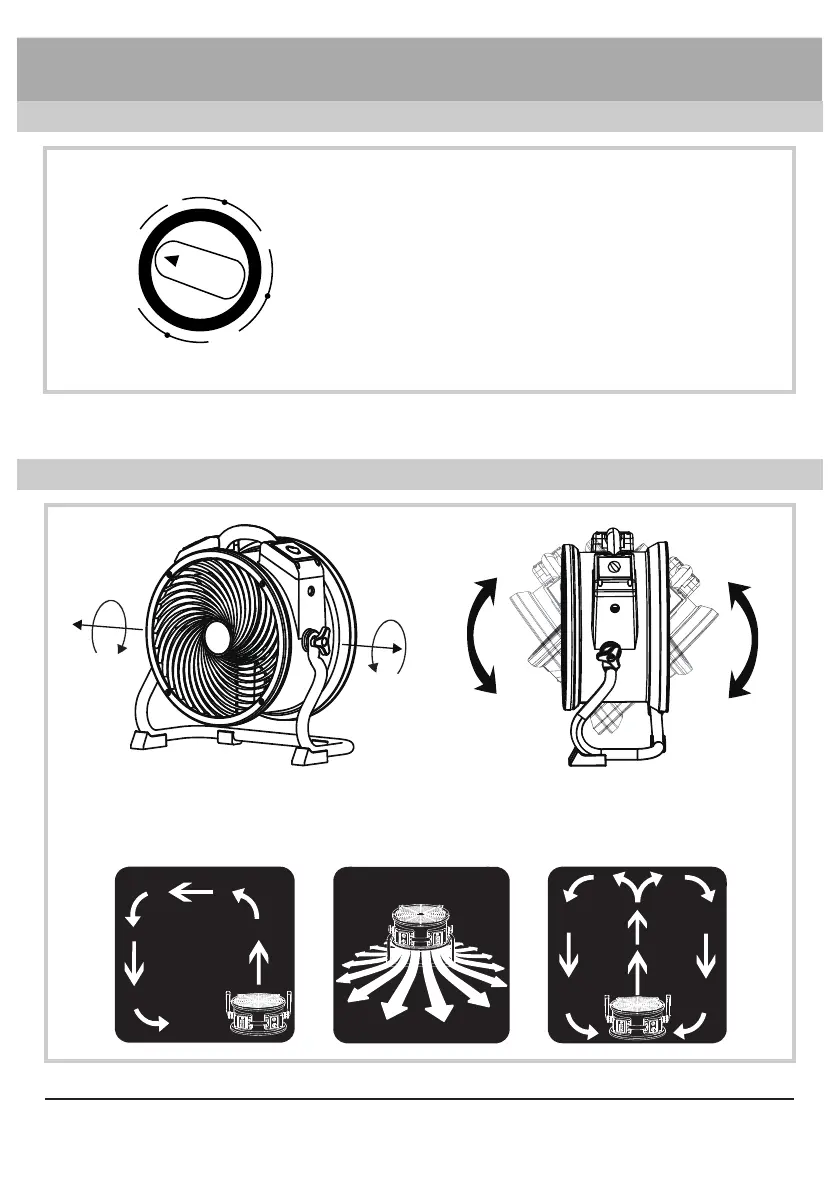
Adjust Operation Position
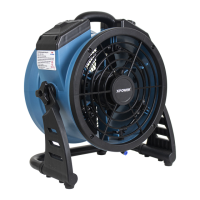
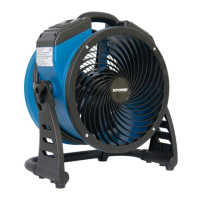
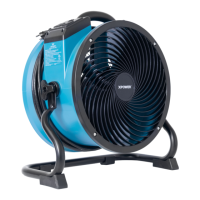
• The Air Circulator features 360° Rotation. Tilt Air Circulator to desired angle and
screw on rack handles to secure the position.
• Turn clockwise to set timer for minutes count
down to an automatic stop.
• The timer can be set for up to 180 minutes (3
hours).
• When the timer reaches “0” position, the unit
stops working. On “ON” position, it will work
constantly.
Timer Switch*
120
60
0
ON
180
* For model FC-100/FC-200/FC-250D/FC-300/FC-420 only.


 To Next Page