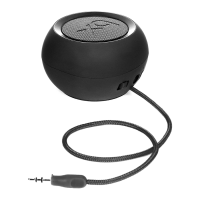
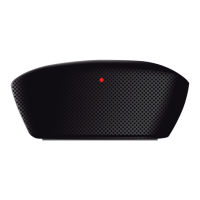
2) Power up xqisit 2.0
• Charge up xqisit 2.0 whenever it is needed by plug into computer via the USB cable
• Make sure the slide button is in the positon: “ON”
• Press key on the top panel until the front LED turns into blue
Remark: Fully charge xqisit 2.0 at least once a month
3) Pairing to xqisit 2.0
• Select a BT 2.0 or above device (mobile phone or music player) and turn on BT connection
• Activate your BT device to the searching mode (new device searching).
• Press and hold key until the front LED ashes in BLUE/RED, xqisit 2.0 has 3 mins (searchable time)
for your BT device to pair with.
• <<xqisit 2.0>> will be displayed in your BT device and select it for pairing. “0000” is the pairing code if necessary.
(Pairing code is not necessary for the iPhone, iPod , and iPad)
• Beep sound will be given when xqisit 2.0 is successfully paired and ashing stops
Remark: Pairing steps are for 1st time connection, automatic connection is allowed on most BT devices except iPhone
• Double check with your BT device to see if “xqisit 2.0” is connected.
You may also get into this pairing process by just pressing and holding the button: when the LED changes to
Red/Blue, release the button for pairing process; otherwise the unit will turn OFF.
Remark: xqisit 2.0 also stops ashing with a dierent sound to indicate pairing failure aer the 3mins.
4) Active Pairing on xqisit 2.0 (Alternative way to pair)
• Put your Bluetooth Device into the discovery mode, and put it close to the xqisit 2.0
• Get into the pairing process with the same procedure as shown in the 3), and wait for about 20s
• The “Pair Invitation” will pop-up on your Bluetooth Device, and just click the “Accept”.
“0000” is the pairing code if necessary.


 To Next Page
 Loading...